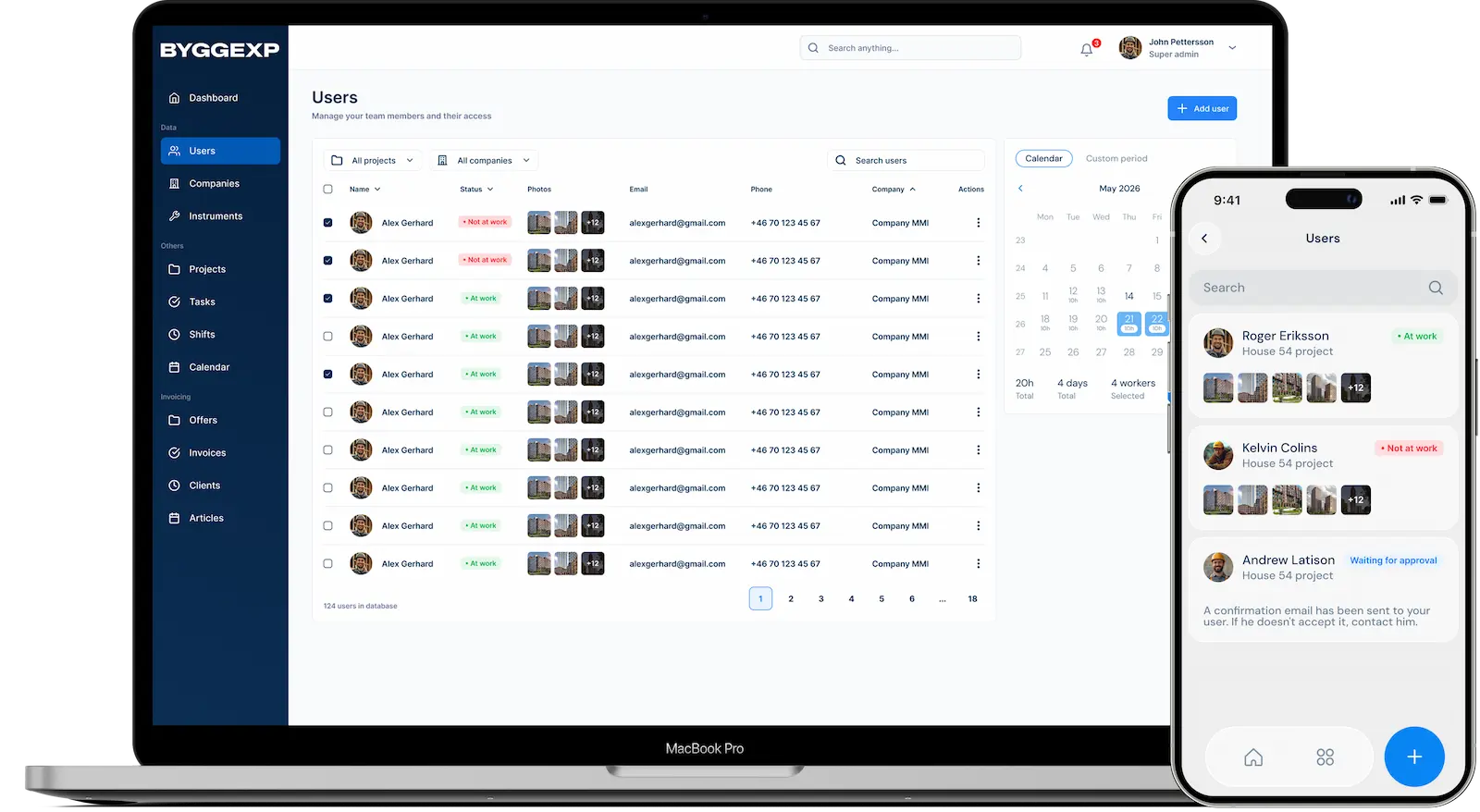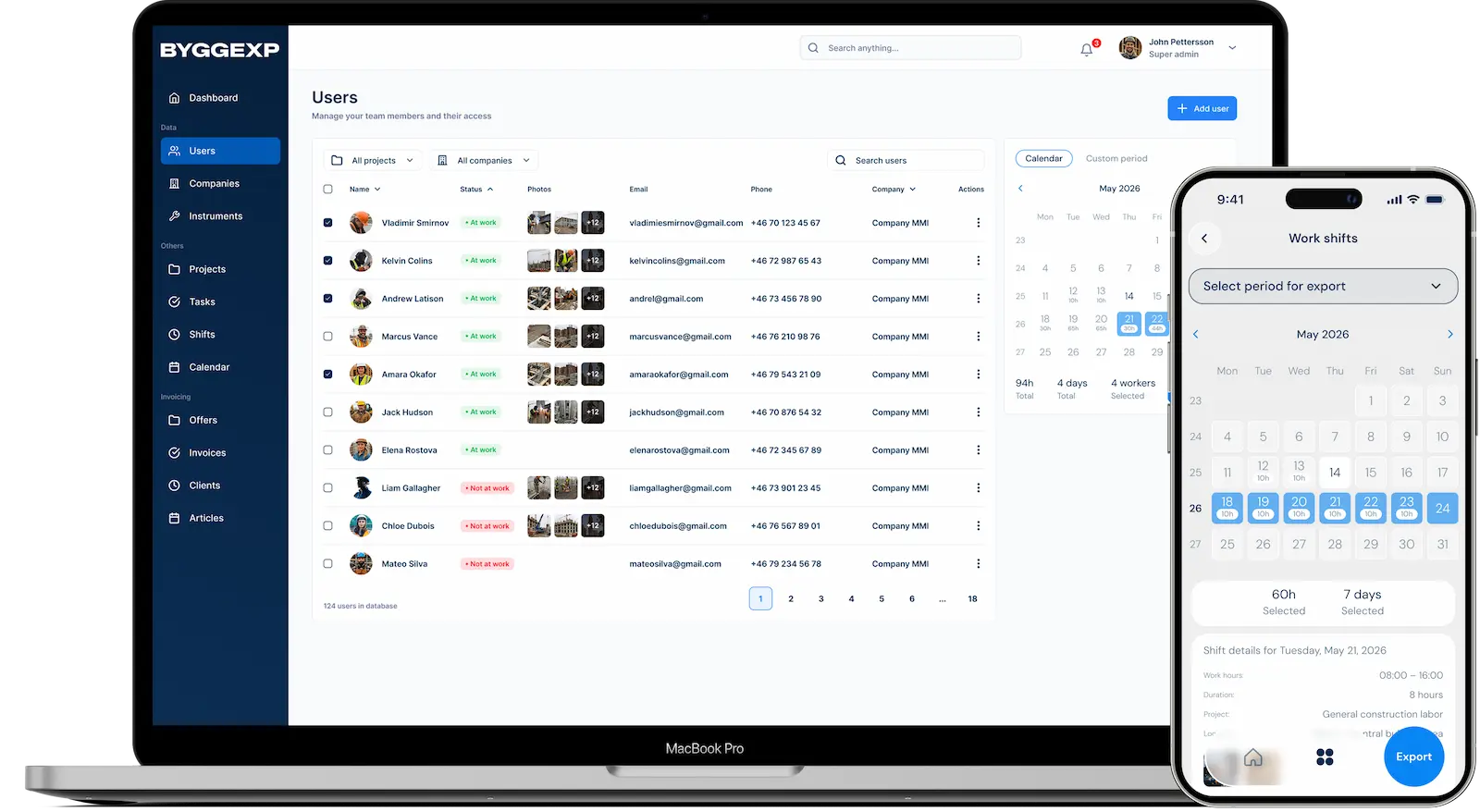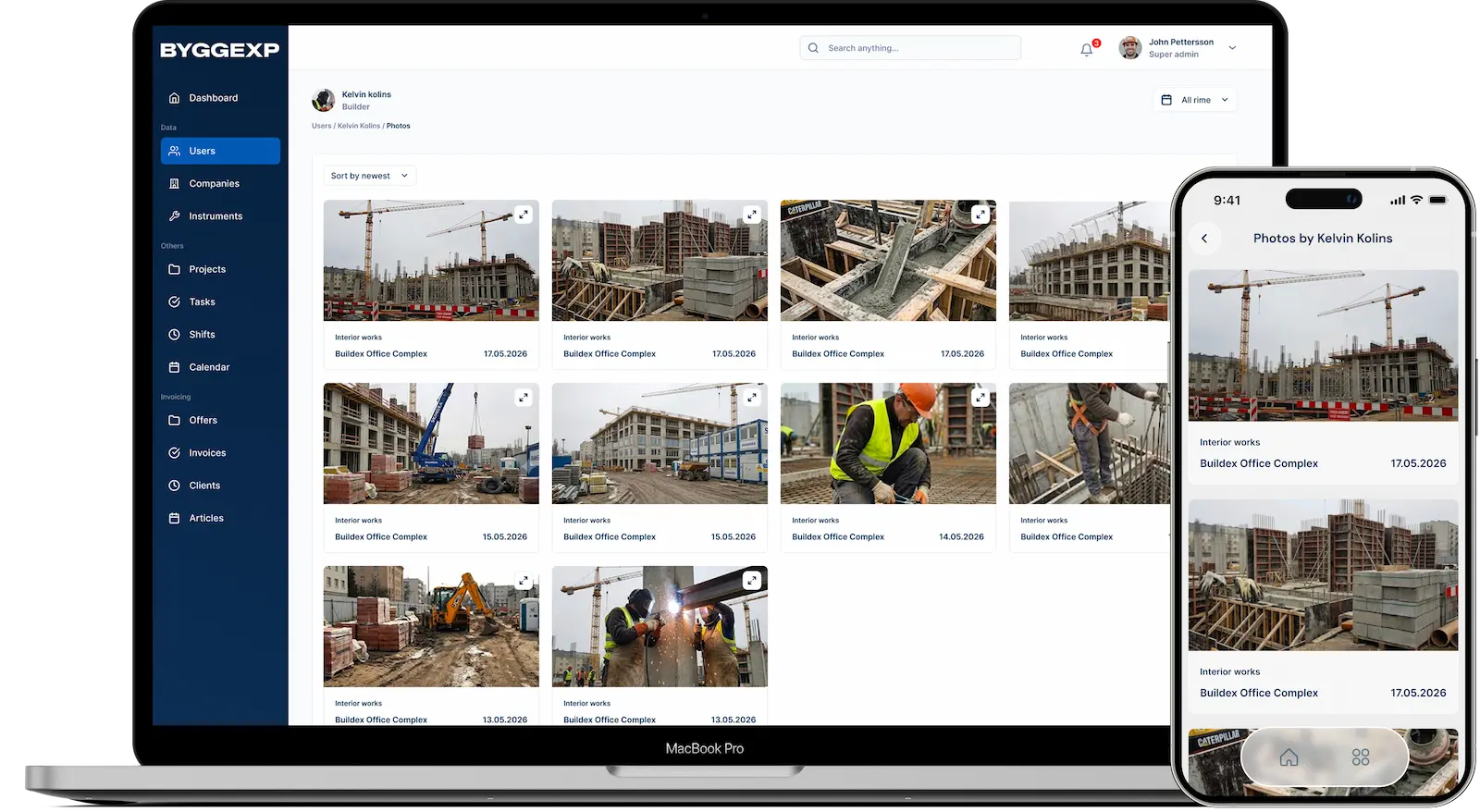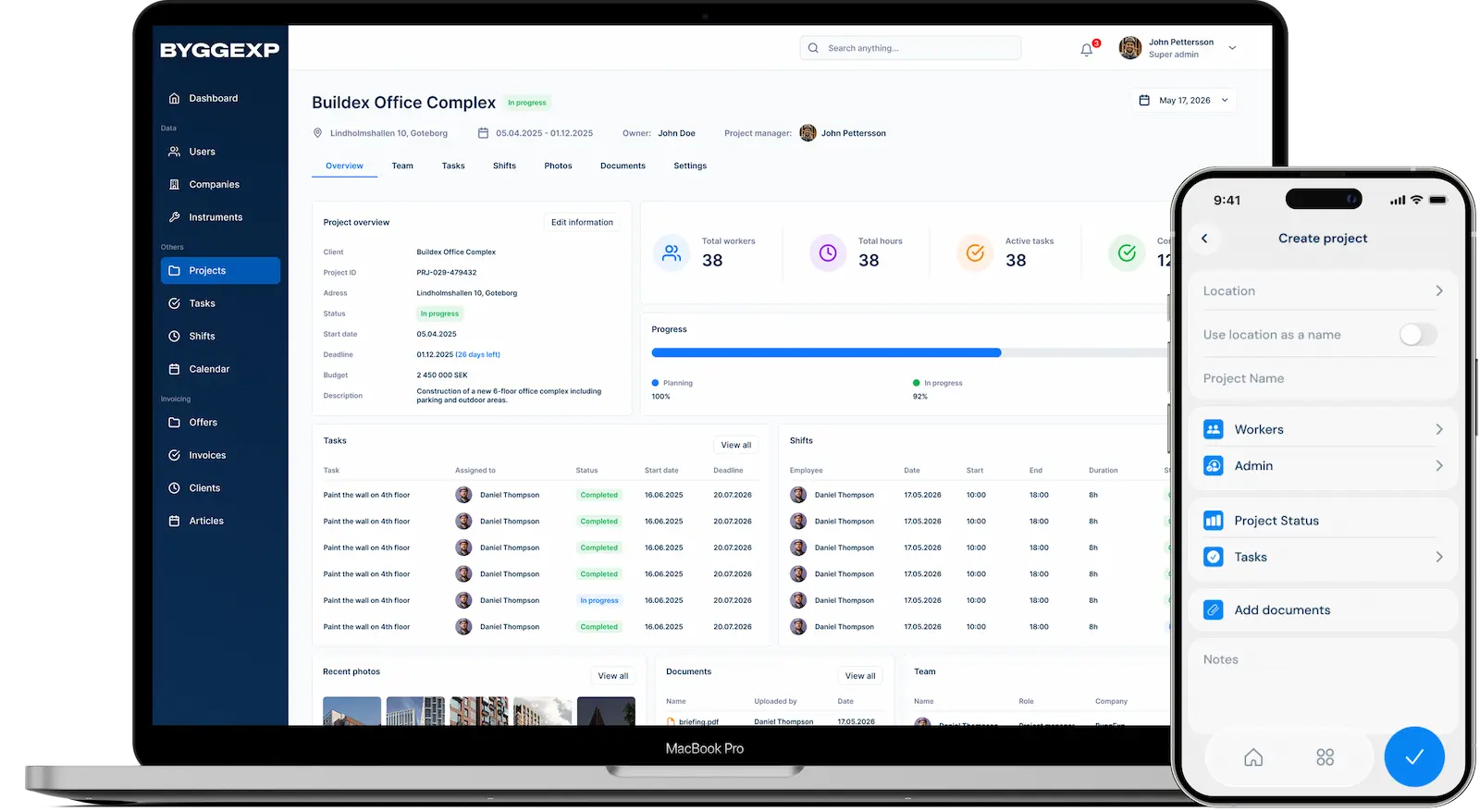
Daily planning decides whether your morning is calm or chaos — and with planning in ByggExp you skip fifteen phone calls before seven o'clock. You set out who works where, per person or per project, and run a short planning meeting with the plan on screen so everyone knows what's happening before they get in the van.
What daily planning is in ByggExp
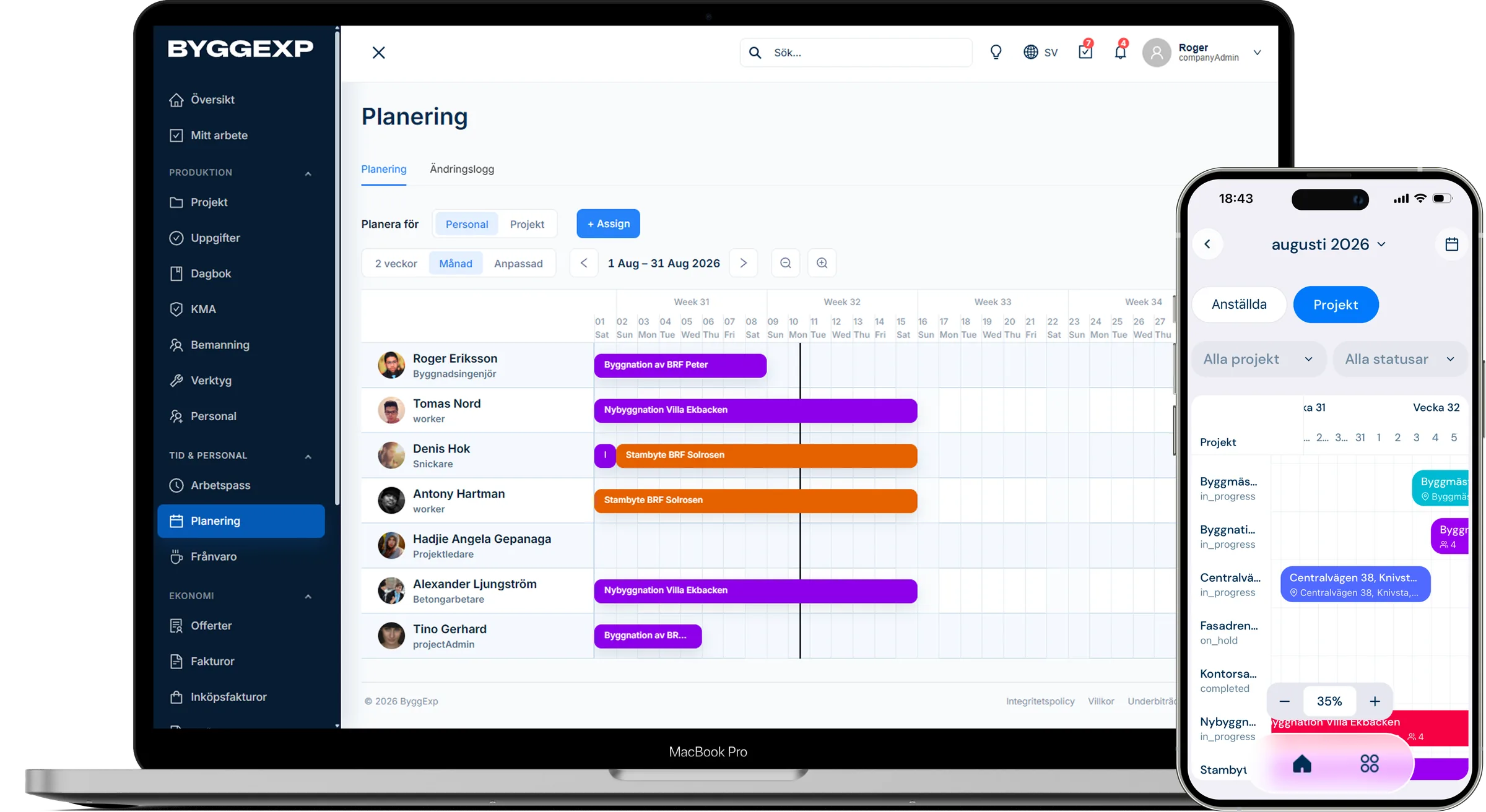
Daily planning means allocating the day's and week's work to people and projects — who, what, where and when. In ByggExp you build the plan digitally instead of on a whiteboard that only you can see. Your team sees their tasks per project in the app, and you get a solid basis to lean on during the planning meeting.
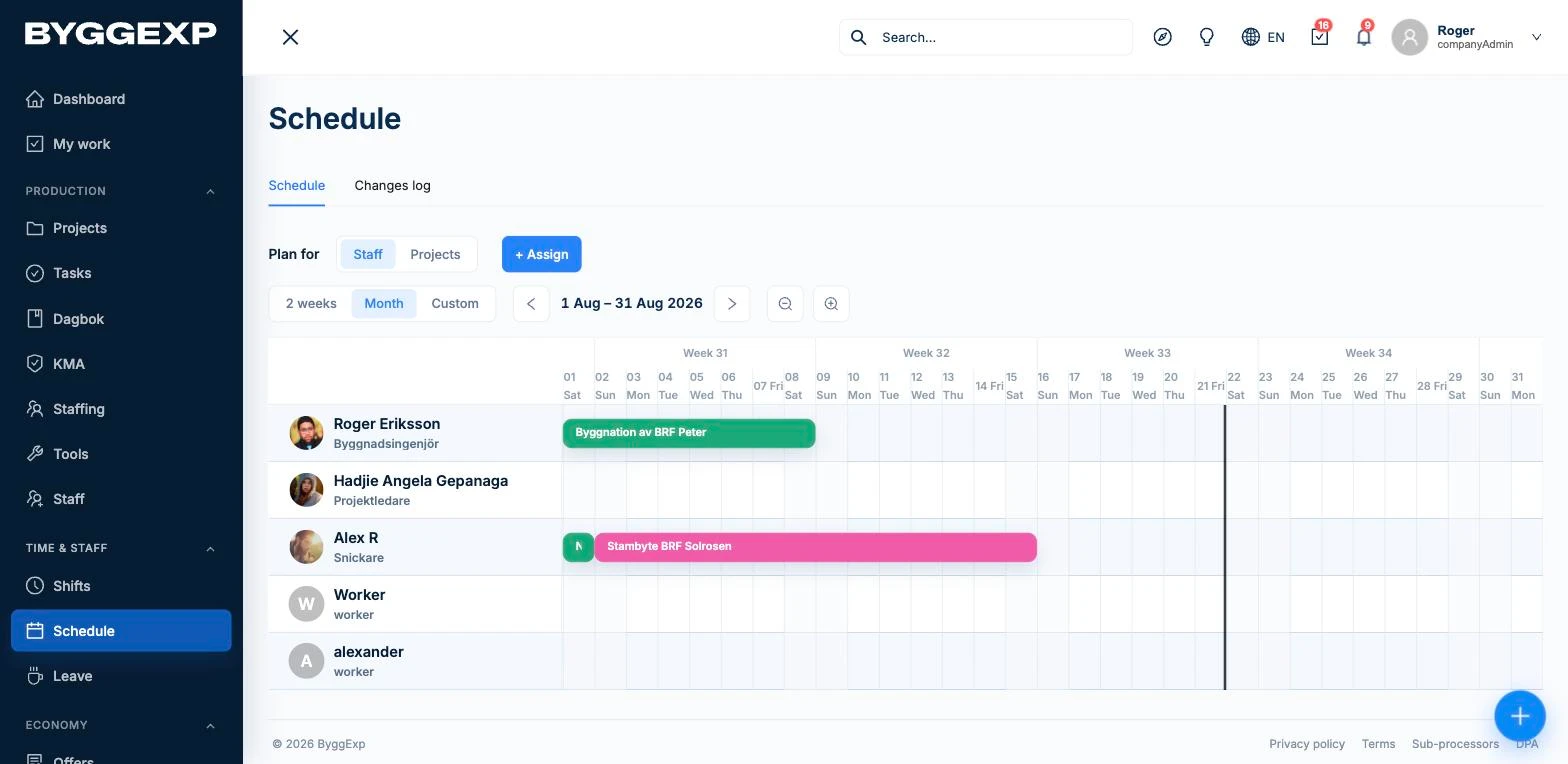
How to do it in the web admin
- Open the planning view for the week you want to plan.
- In Staffing, click a day and assign people to a project – approved absence is shown, and ByggExp warns you if someone is booked for more than 8 hours.
- Put the instructions in the project's tasks, for example "start with demolition in the kitchen, materials are on the loading dock".
- Check the change log to see who changed what.
- Run the planning meeting: go through the day on screen, address questions and adjust on the spot.
How to do it in the app
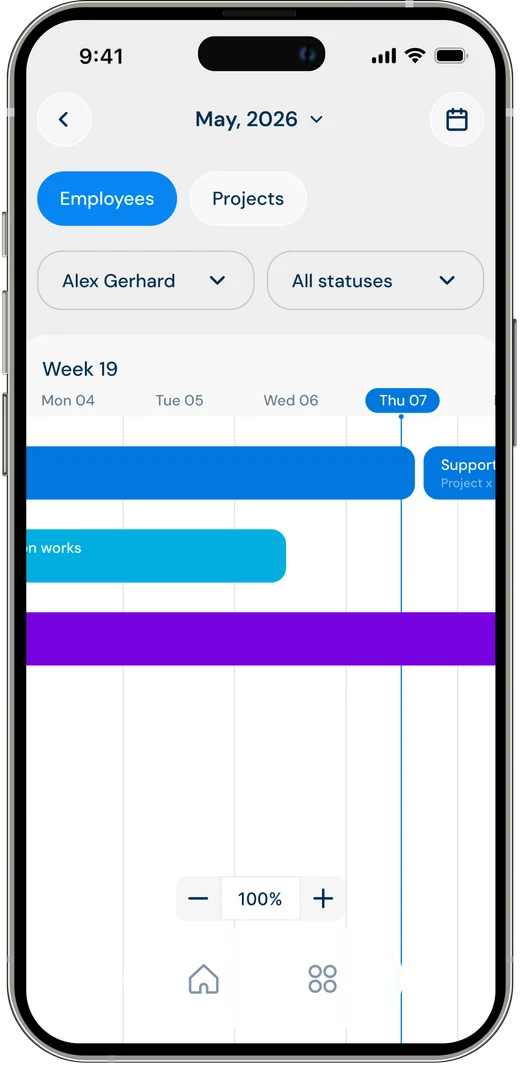
- During the day, your team sees their tasks per project in a Gantt view in the app.
- The staffing schedule itself stays in the web admin – it isn't shown in the app.
Benefits
- Fewer morning calls: everyone sees their tasks in the app instead of calling to ask.
- The right person in the right place: you get an overview of the whole week and avoid double-bookings.
- Faster planning meetings: you start from a finished plan instead of loose notes.
- Full traceability: the change log shows who changed what in the plan.
Tips
Plan the week on Friday. Then everyone can head straight to the right place on Monday morning without waiting for instructions.
Keep the planning meeting short and on your feet — five minutes with the plan on screen usually goes further than half an hour around the table.
Write instructions as if the person is alone on site: where are the materials, who has the key, what needs to be finished.
Frequently asked questions
Can I change the plan in the middle of the day?
Yes. Change it directly in Planning or Staffing – every change is saved in the change log.
Do team members see the plan in the app?
In the app they see their tasks per project in a Gantt view. The staffing schedule is shown in the web admin, not in the app.
Try setting up next week in the planner today — go through it at the planning meeting and notice how much calmer Monday morning becomes.
It all connects: daily planning builds on the project's tasks, and the planned time is checked against reported time from the site.