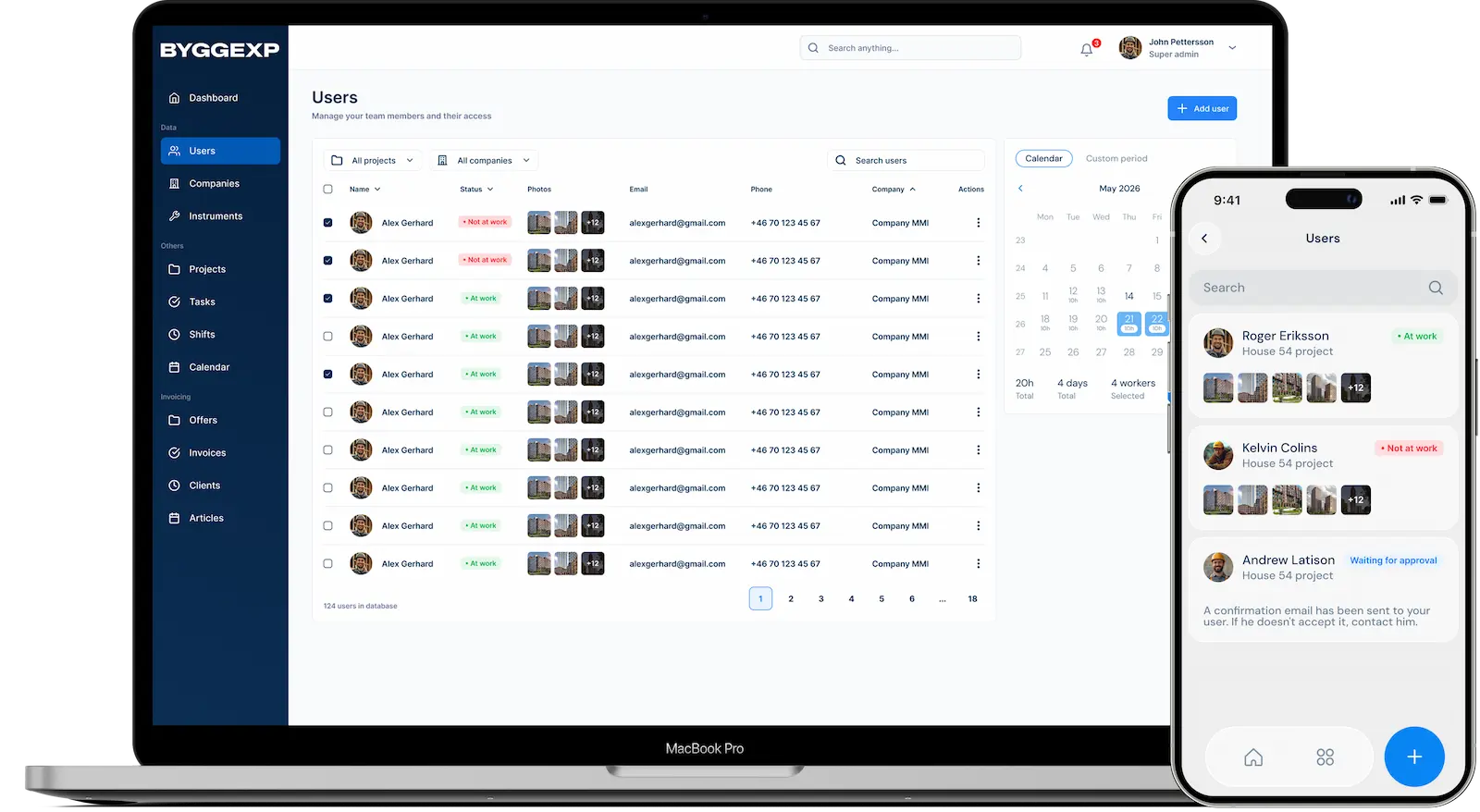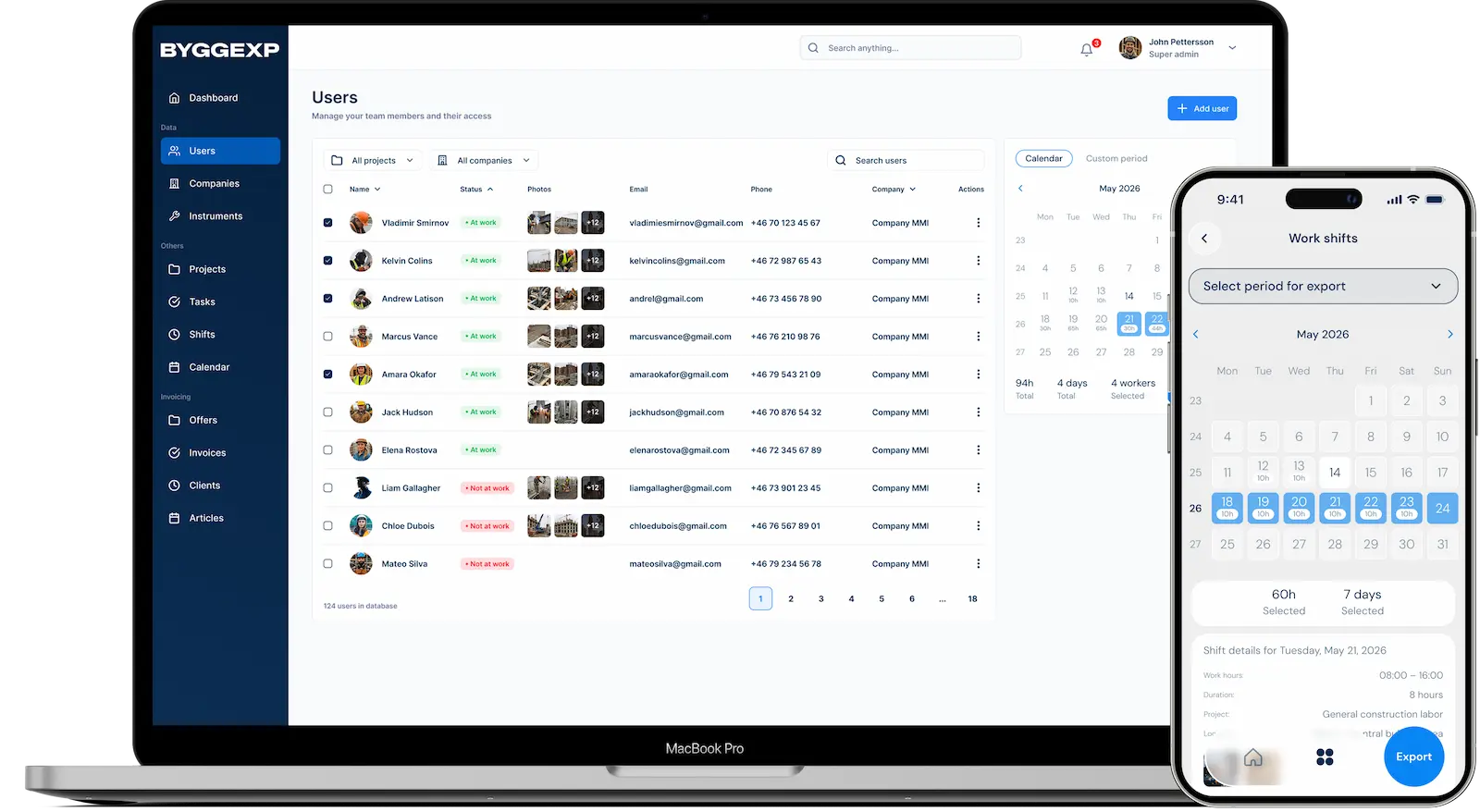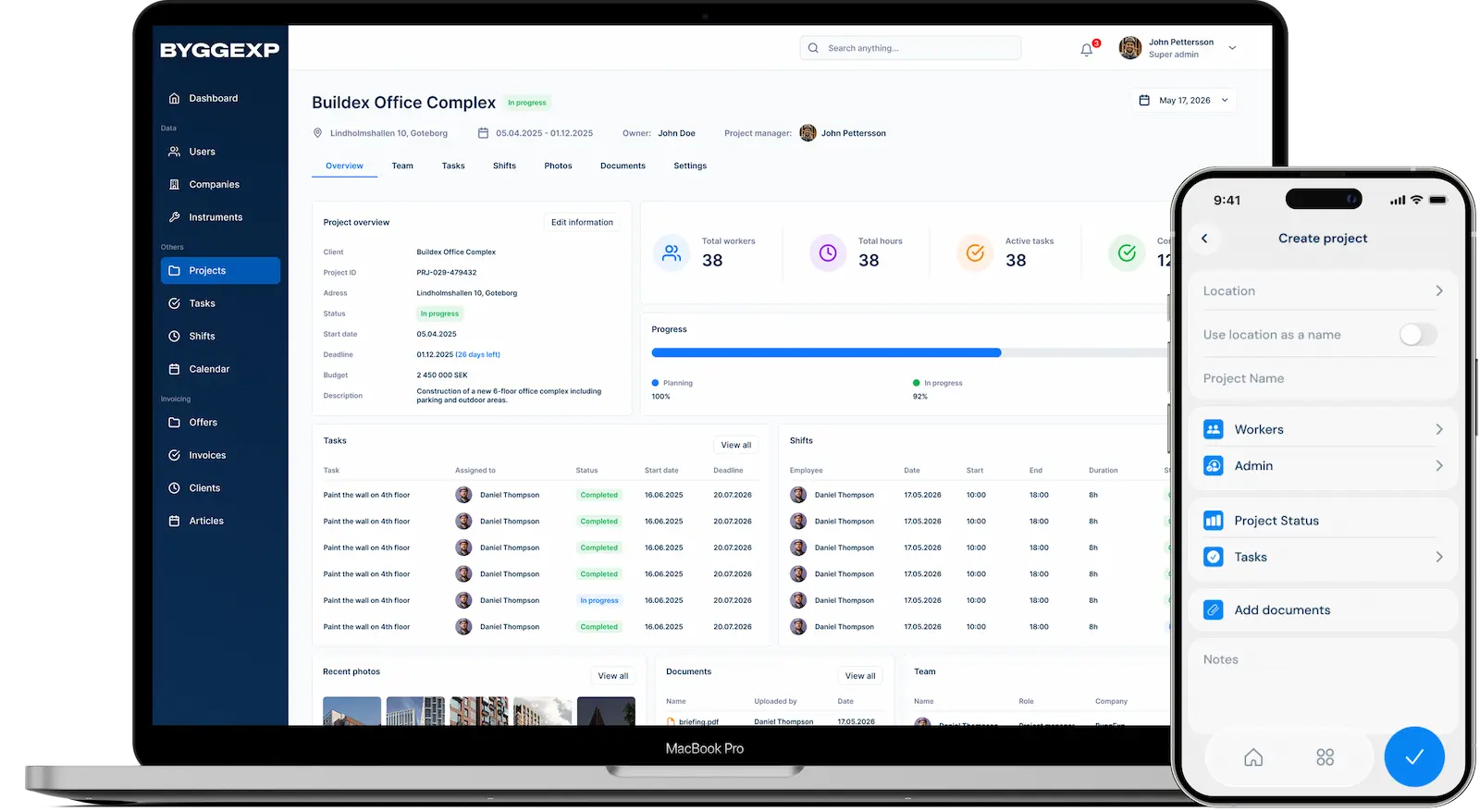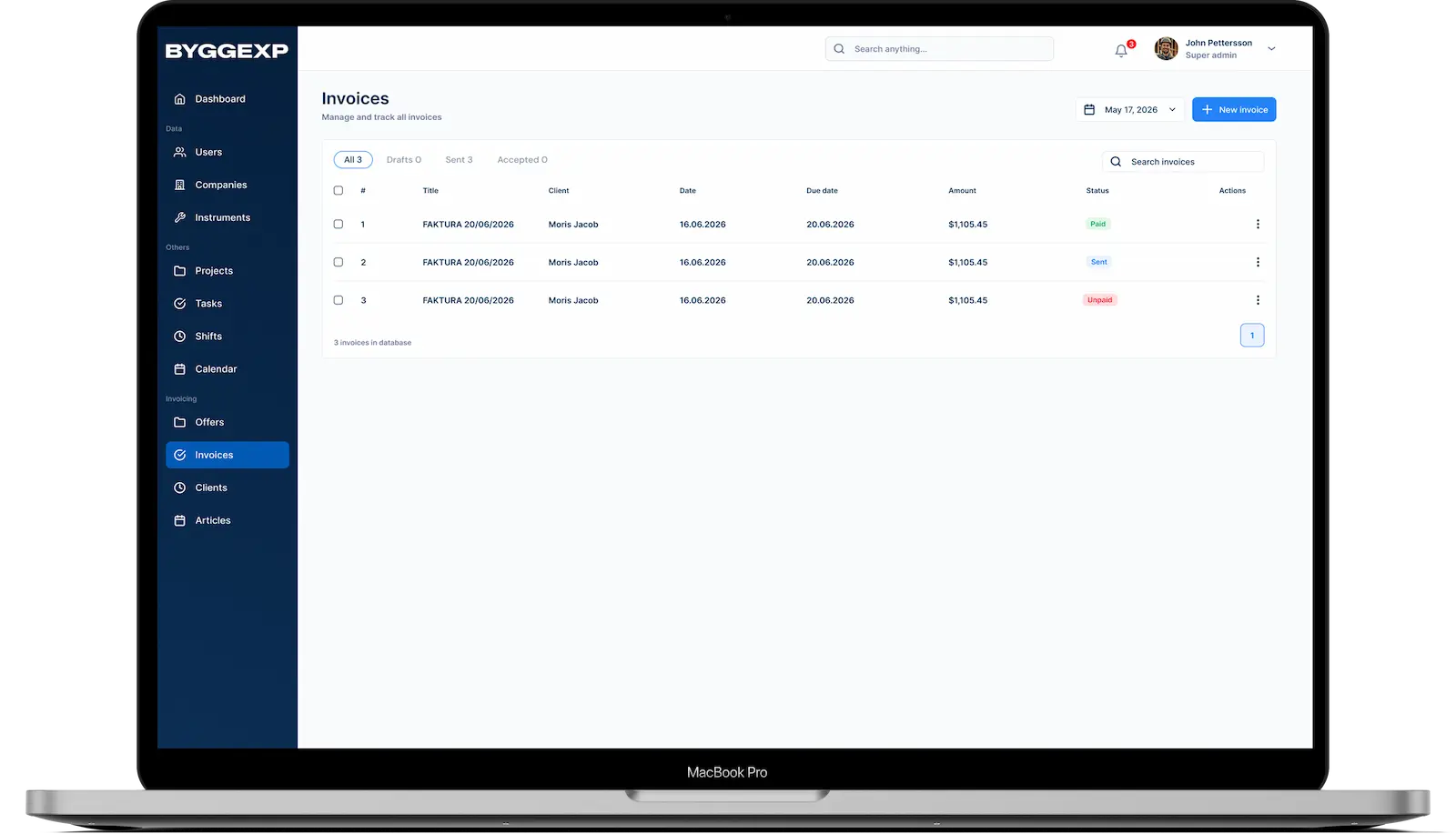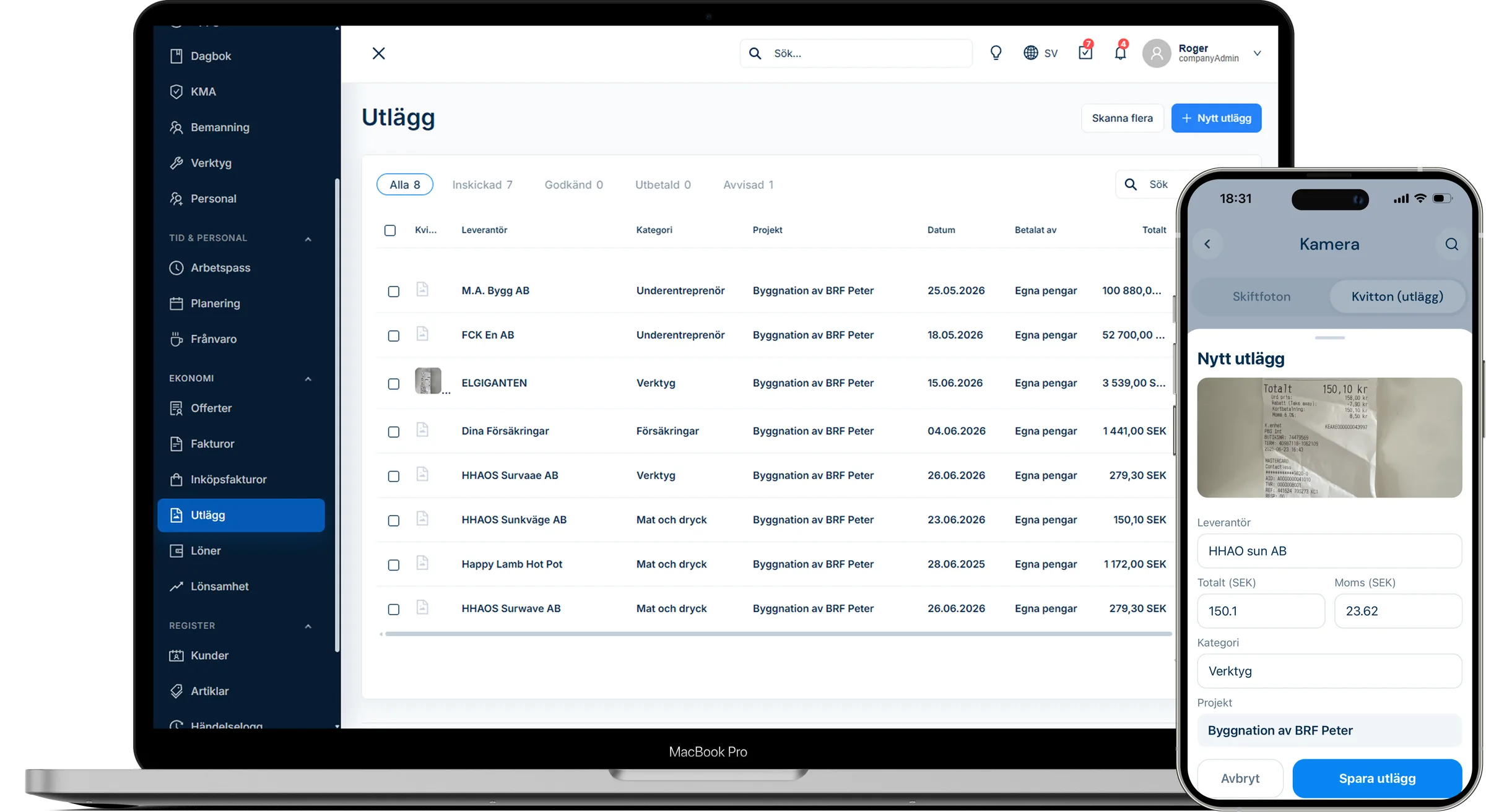
Receipt management is often the most tedious part of the job — a receipt for nails ends up in your pocket, one for diesel in the car and another in the bin. With digital receipt management you photograph the receipt the moment you pay and never have to go hunting for it later. The expense lands exactly where it belongs: on the right project.
What is receipt and expense management?
It means that every purchase — materials, fuel, consumables or a small out-of-pocket cost — is recorded digitally with an image of the receipt and linked to a project. Your bookkeeping gets a complete, searchable record instead of a bag of receipts at the end of the month.
How to do it in the web admin
- Review collected expenses by project or period.
- The expenses are booked as costs on the project and feed into the project finances.
How to do it in the app
- Open the app and go to Receipts or Expenses, tap New receipt and photograph the receipt so the amount and date are clearly visible.
- Choose which project the expense relates to and a category (materials, fuel, tools, etc.).
- Enter the amount and VAT and add a short note about what the purchase was for.
- Save – the receipt is uploaded and becomes visible to the administrator in the web admin.
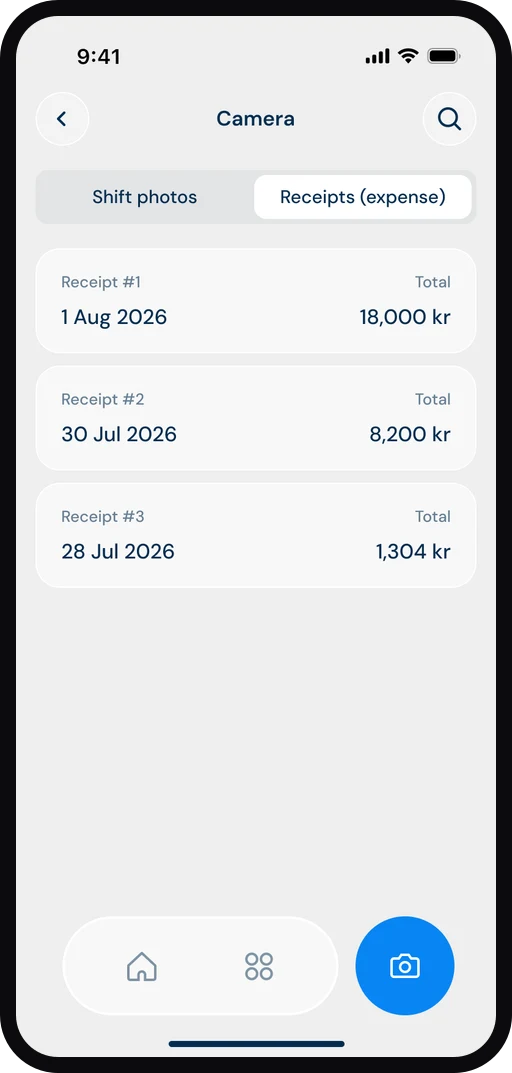
Everything connects: the expense is linked to the project, appears in the project finances and can be included on the invoice – no double entry.
Benefits
- No lost receipts — the image stays even if the paper fades.
- Every expense is linked to the right project, giving you accurate project finances.
- Faster month-end close for you and your accounting firm.
- Full traceability during an audit or when a client has questions.
Tips
Photograph the receipt right at the checkout before it disappears into your pocket — that way you'll never forget it. Add a clear note ("filler for kitchen, flat 3") so both you and your bookkeeping know exactly what the purchase was for. Use the same categories consistently so your reports stay comparable across projects.
Frequently asked questions
Do I need to keep the paper receipt?
Follow the applicable bookkeeping rules for archiving, but the digital image means you always have the record on hand and never have to dig through loose slips.
Can several people on the team add expenses?
Yes. Each team member photographs their own receipts in the app, and the administrator sees everything gathered in the web admin.
Want to skip the receipt hunt every month-end? Start photographing receipts in ByggExp and keep your expenses in order from the very first purchase.