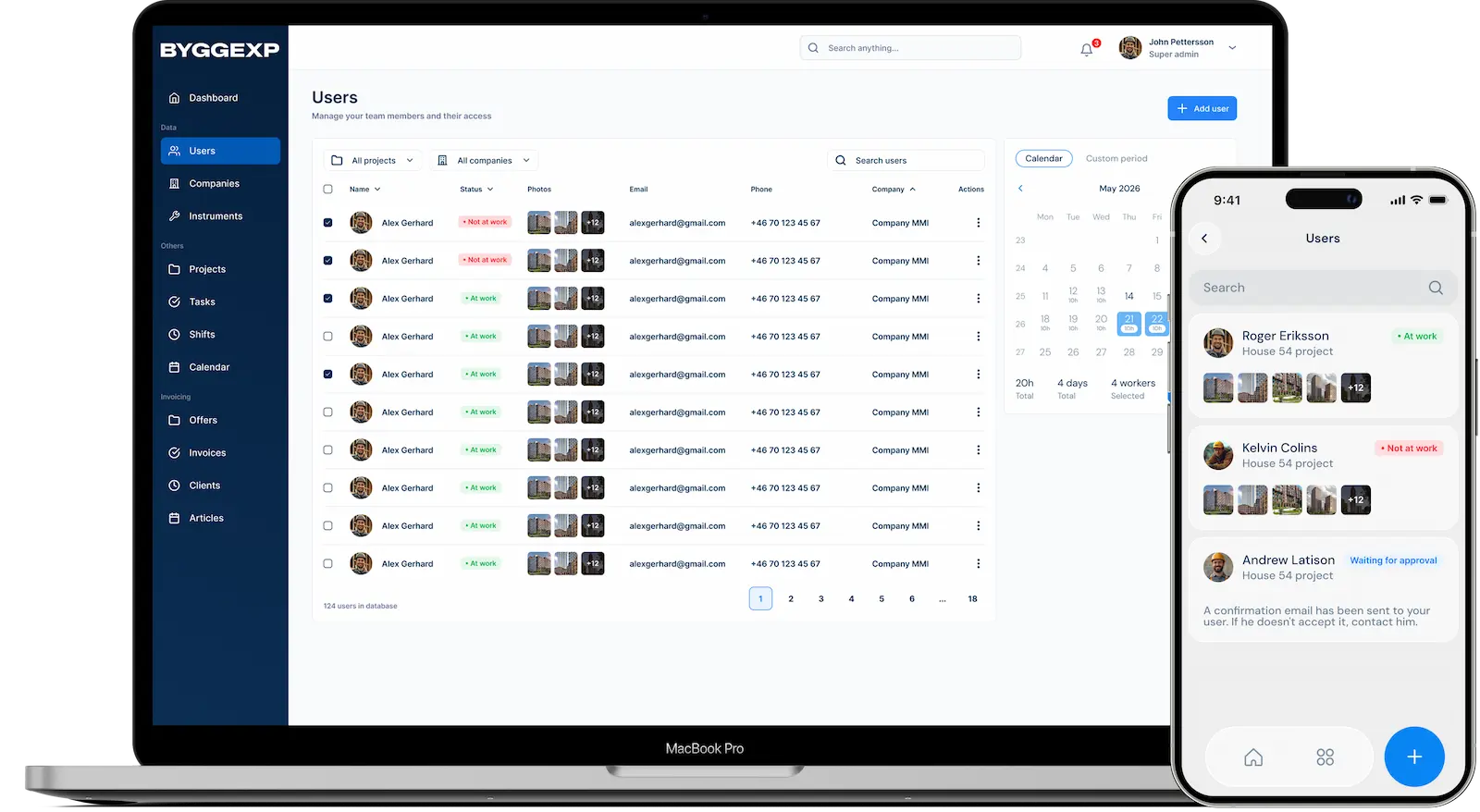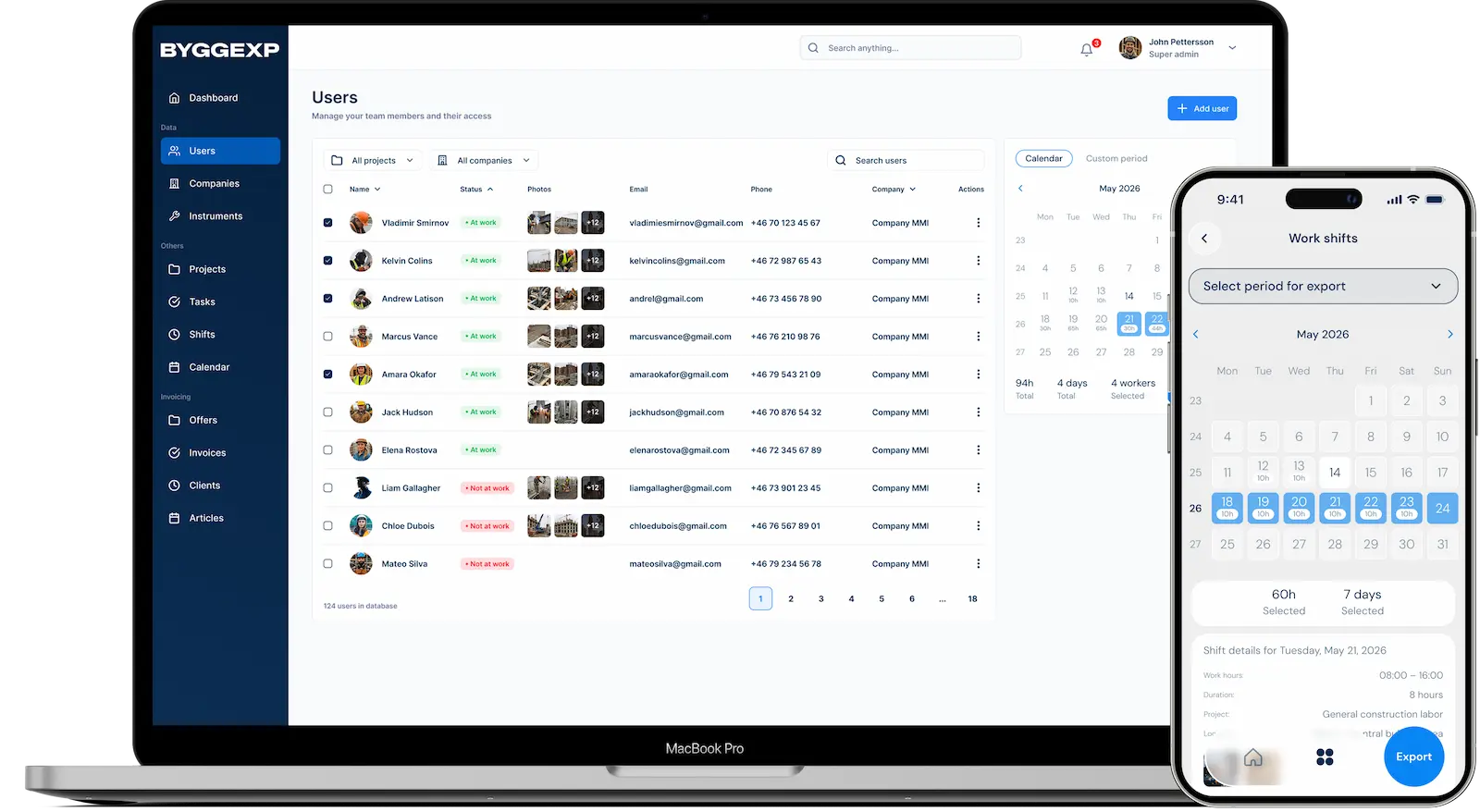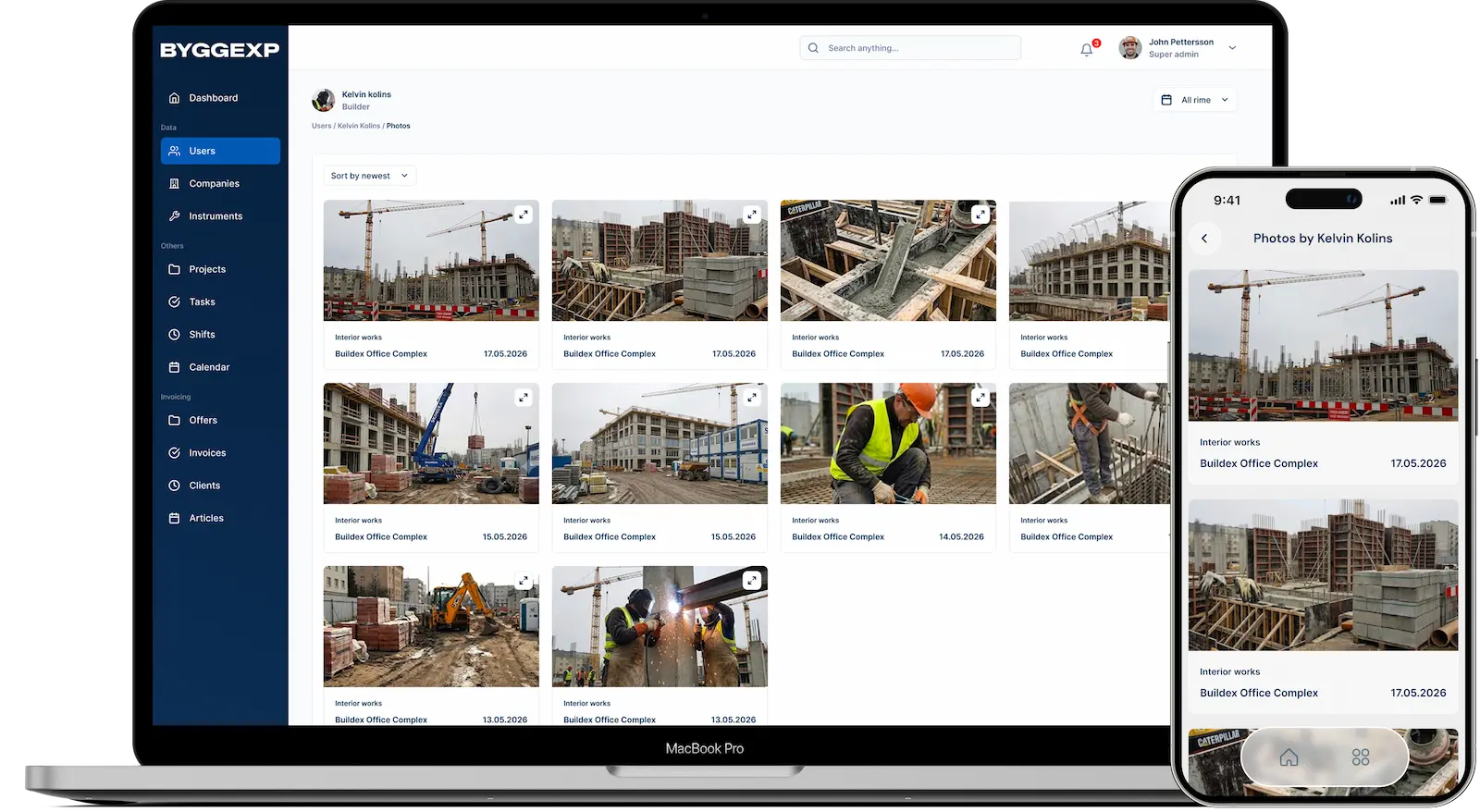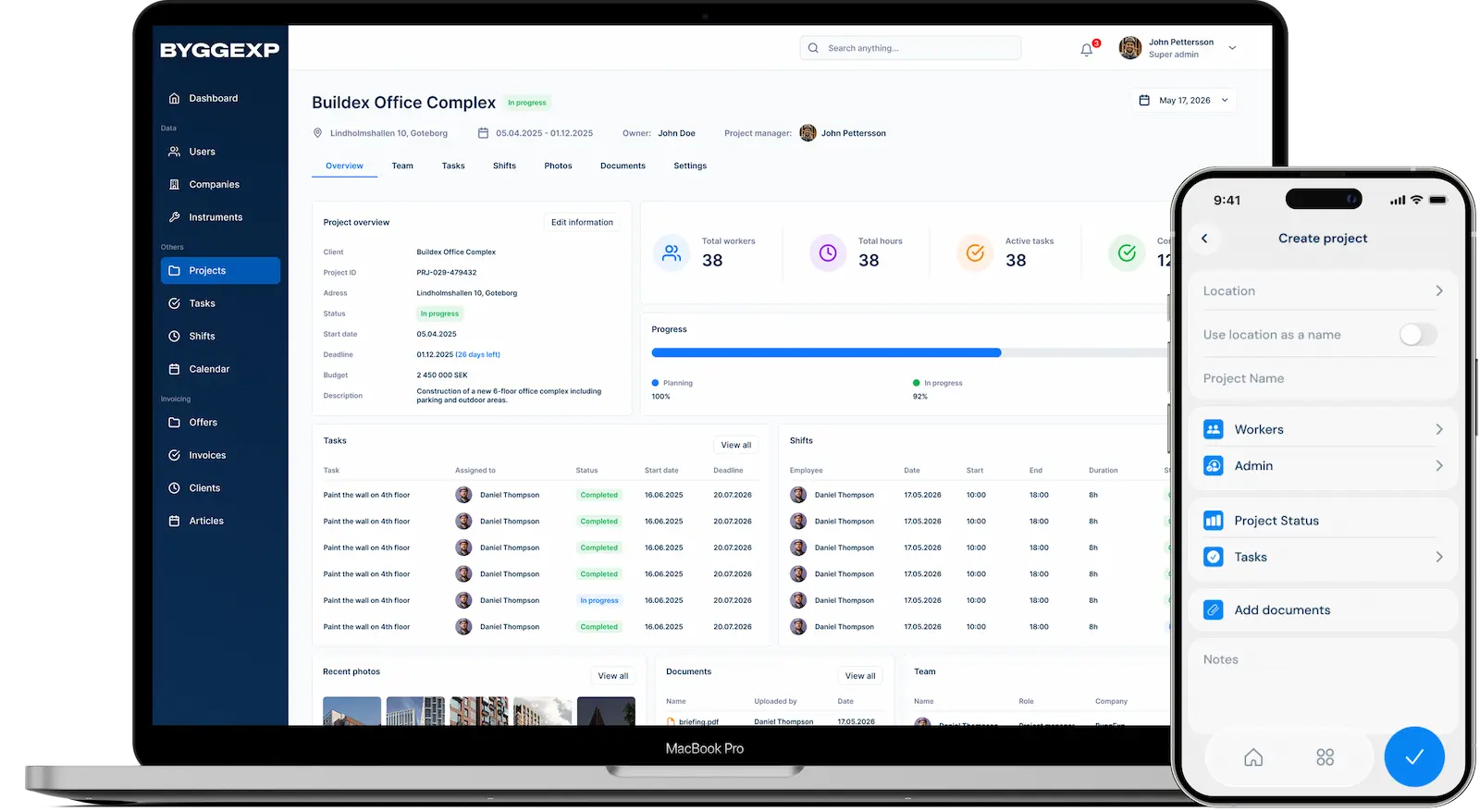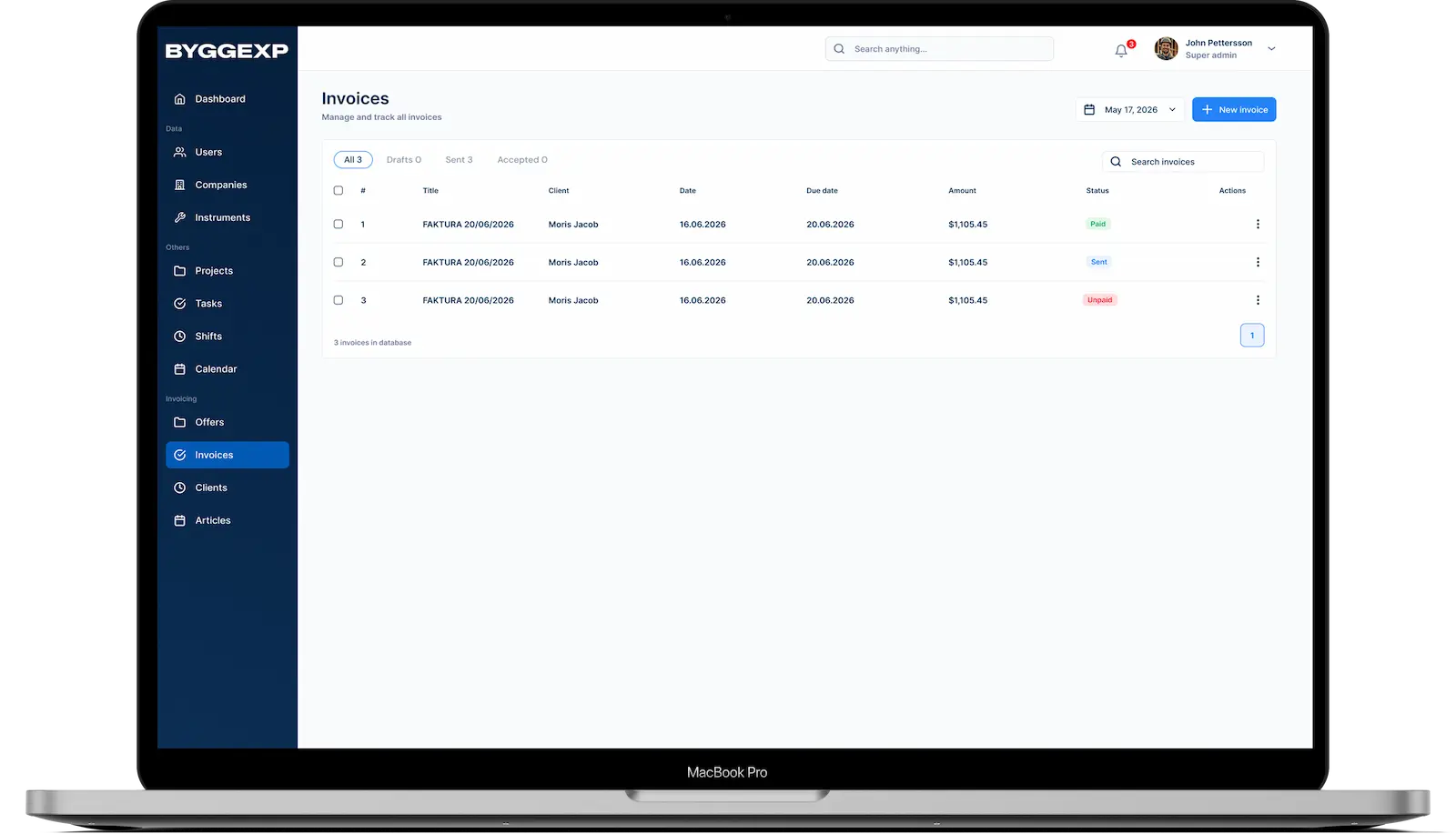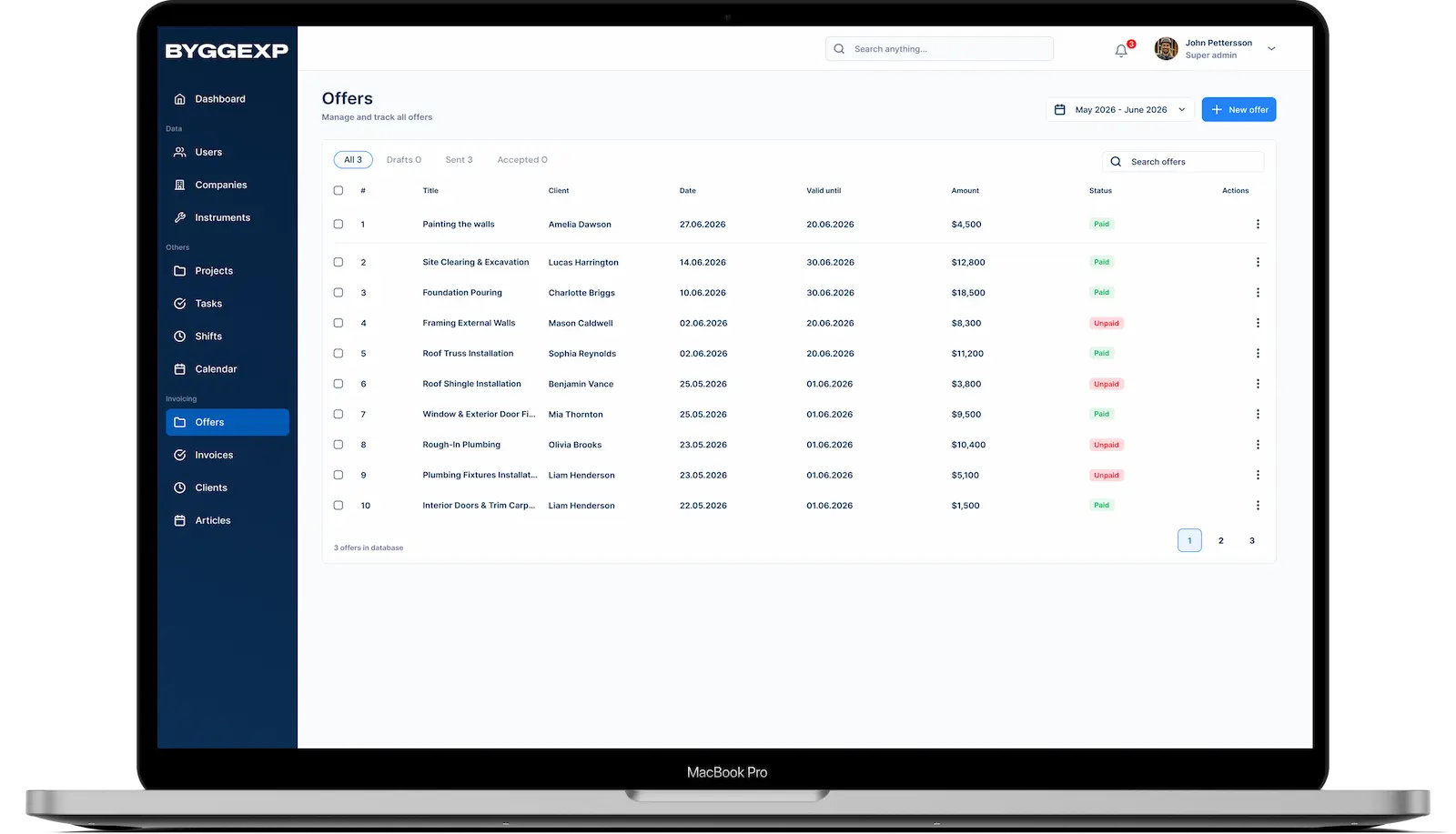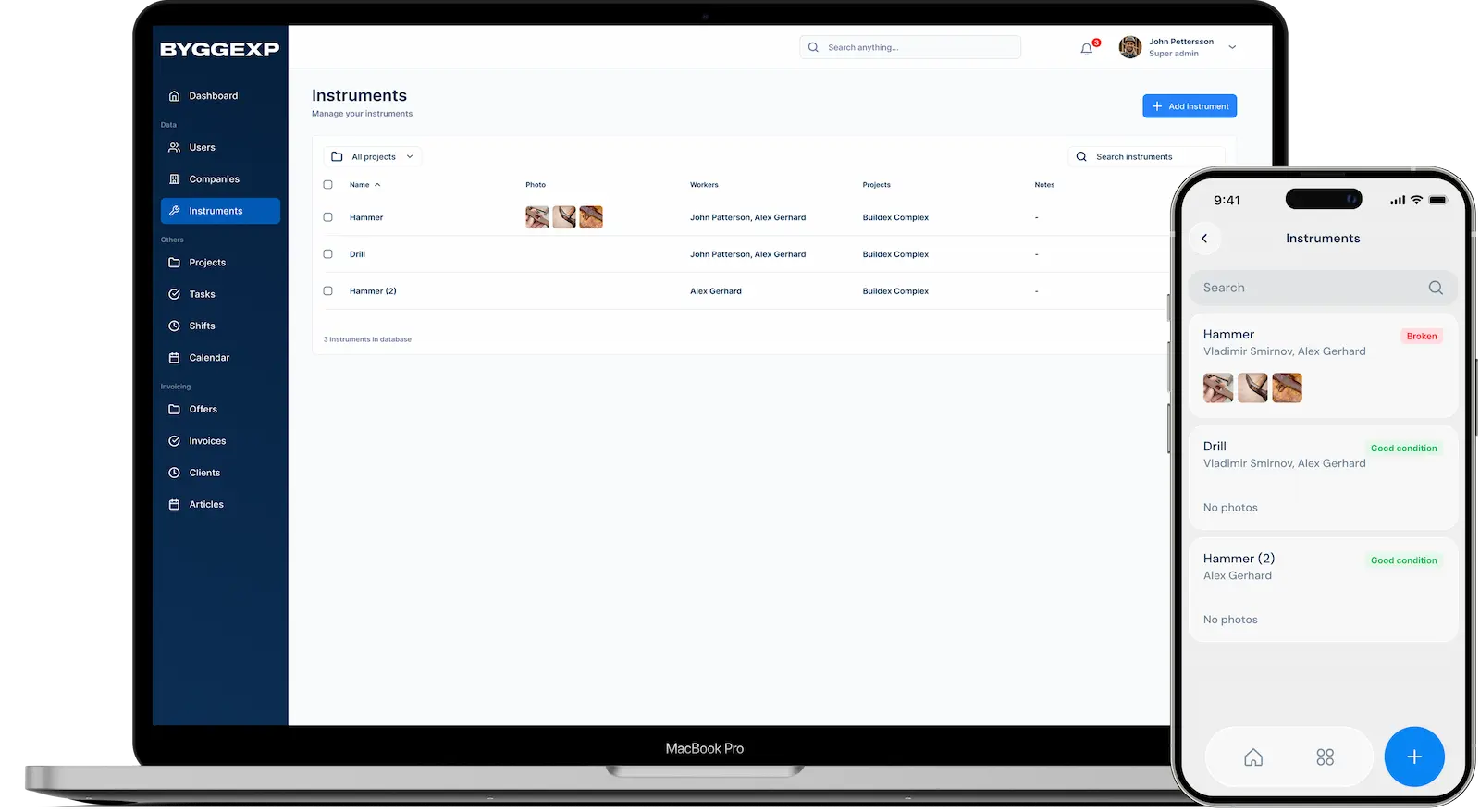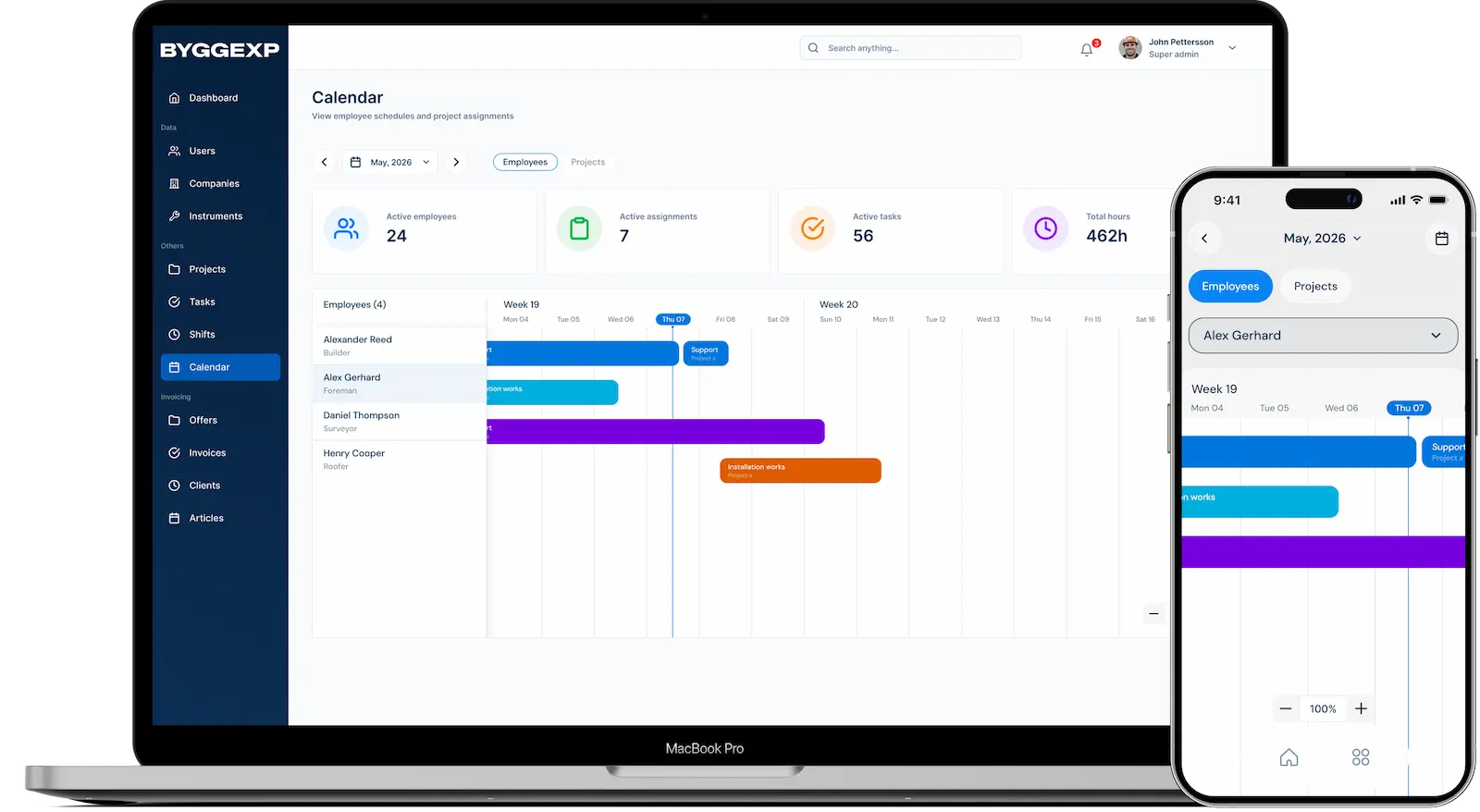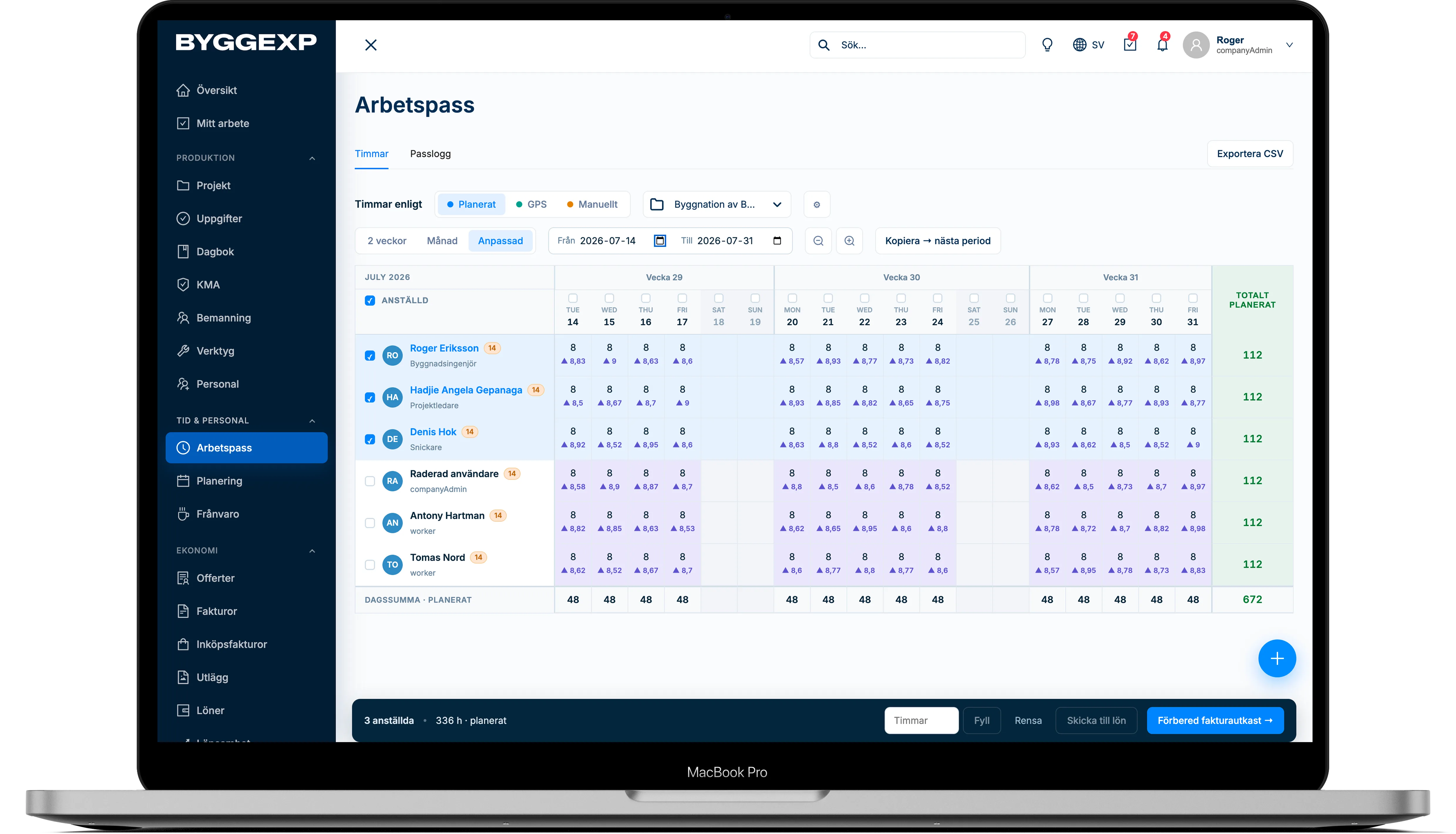
With ByggExp you no longer have to gather hours from scraps of paper and text messages. Time reporting works in two ways: automatically – worked hours are logged per project when your staff check in and out with GPS on their phones – or manually, where the employee enters their own hours in the app. You export a finished time report when it is time to run payroll. It saves hours every month and removes the guesswork.
GPS or manual – your choice: not everyone wants to share their location, and they don't have to. In ByggExp the employee can instead enter their hours manually in the app – per project and day. Manual hours end up in the same time report and export to payroll and invoicing as GPS hours, and in the web admin you see planned, GPS and manual hours side by side.
What is automatic time reporting?
Automatic time reporting means the hours are counted in the background instead of being written down by hand. When a carpenter checks in at the site using GPS on their phone the clock starts, and when they check out the hours are added up on the right project. Everything gathers in one place in the web admin, where you have full control.
Manual time reporting – when you prefer to fill it in yourself
Not every job suits checking in and out. If someone forgot to check in, worked at several sites the same day or simply prefers to write their hours, the employee enters the number of hours manually in the app on the right project. Manual hours replace the GPS time for that day, and in the web admin you see planned, GPS and manual hours side by side – deviations from the plan are highlighted, so you immediately see what needs checking.
How to do it in the web admin
- Create the project and add the staff who will be working on it.
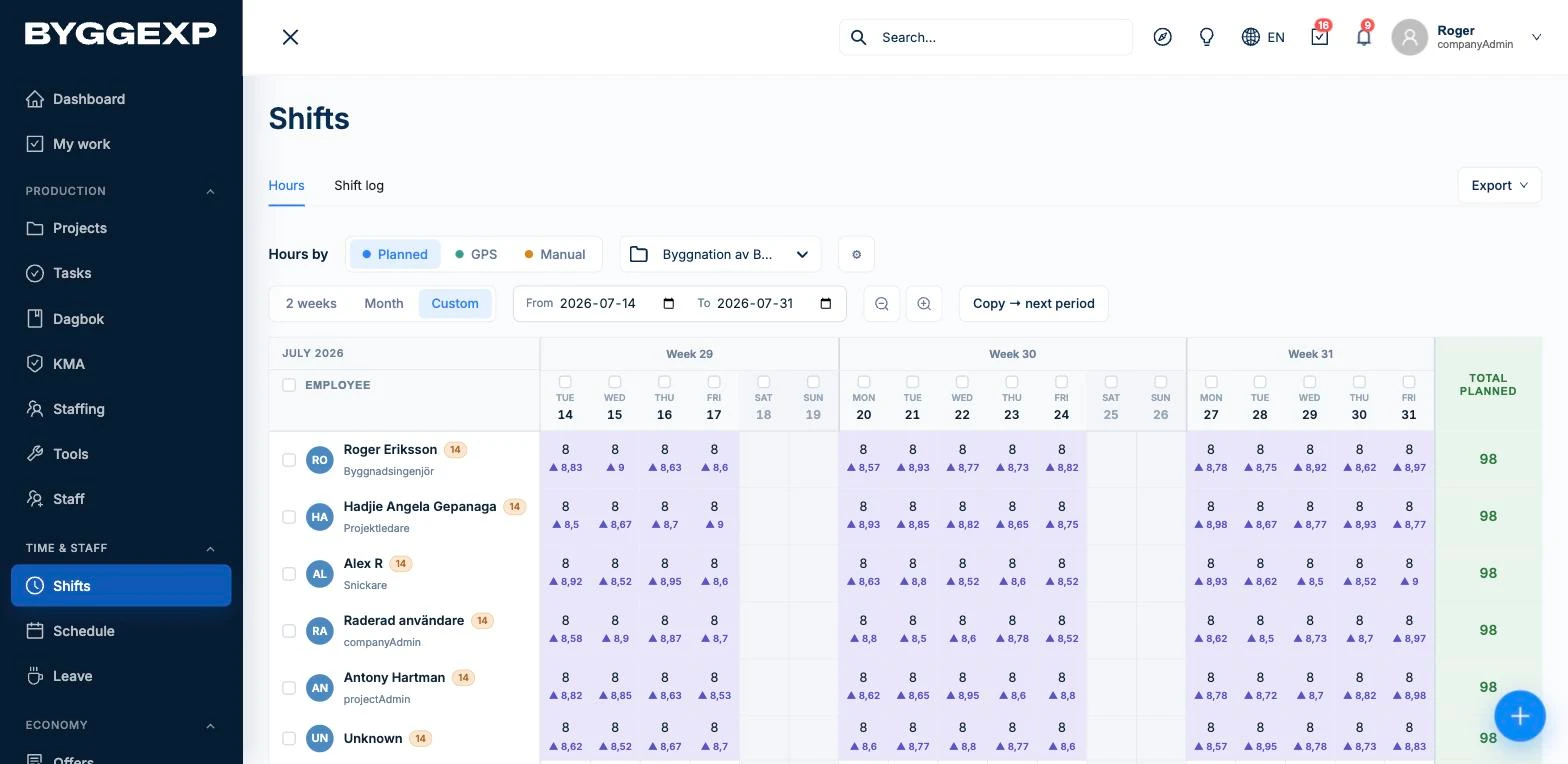
- Go to Work shifts, select the period and project and review the logged shifts – planned, GPS and manual hours.
- Click Export to download a finished time report for payroll or invoicing.
How to do it in the app
- The team downloads the ByggExp app and logs in to their accounts.
- At the site each person checks in – the GPS position confirms they are on location and the clock starts running.
- At the end of the working day they check out so the shift closes and the hours are booked to the project.
- Prefer to report manually – or forgot to check in? Pick the project and enter the number of hours directly in the app.
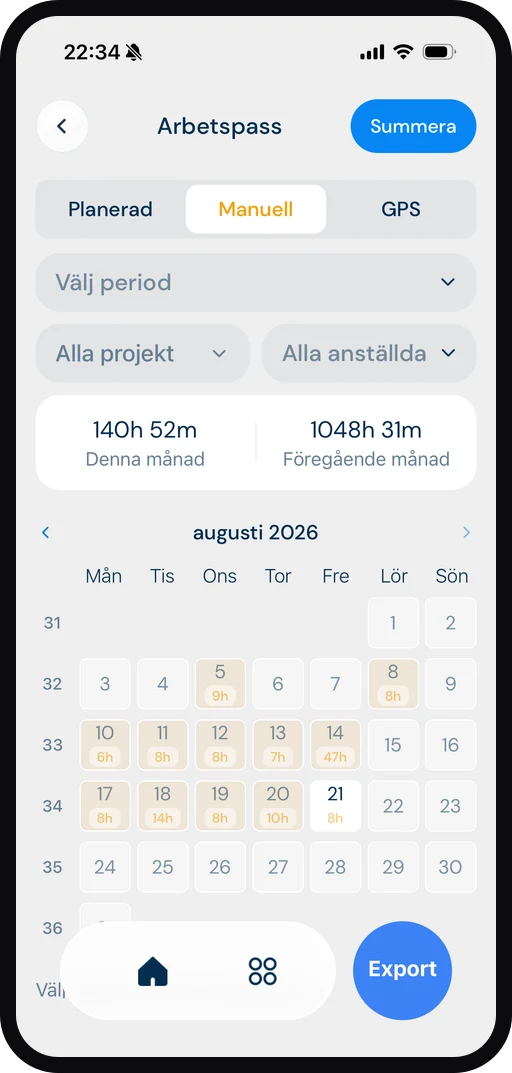
Everything connects: the hours you log here are the same hours that become payroll data and invoice lines, and that feed into the project finances – record once, use everywhere.
Benefits
- Automatic or manual time reporting – choose what suits the job, everything ends up in the same time report.
- Accurate hours with no manual work — the hours are automatically tied to the right project.
- Fast export of the time report straight to payroll or a customer invoice.
- GPS-confirmed attendance gives peace of mind for both you and the employee.
- Full history per person and project whenever you need to follow up.
Tips
- Remind the team to check out — otherwise the shift keeps running and the hours end up wrong.
- Review the period the day before payroll, so you have time to correct any forgotten check-ins or check-outs.
- Use the same project name in the quote and the time report to make reconciliation easier.
Related guides on time reporting
- Time reporting app for construction – digital time reporting from the ground up.
- Time clock app with GPS – check in and out with location confirmation.
- Time reporting system for construction – time tracking, time reporting and time accounting in one.
- Time tracking app for construction – accurate working hours on your phone.
- Mobile time reporting – report time where the work is done.
- Staff ledger app – what the rules require on site.
- Project tracking in construction – follow time and margin in real time.
- Time reporting for tradespeople and for contracting work.
Frequently asked questions
What happens if someone forgets to check out?
You see open shifts in the web admin before you export. The employee can also enter their actual hours manually in the app – they replace the GPS time for that day, so payroll is always correct.
Can you report time without GPS?
Yes. Time reporting can be fully manual: the employee enters hours per project and day in the app, and you export them the same way as GPS hours.
Can I export hours for a single project?
Yes. Filter by project and period in the Hours view and export only the shifts you want to include.
Want to stop chasing paper time slips? Try ByggExp and report time automatically or manually — from check-in to finished export.