Payroll data is where many construction companies lose both time and money — hours are added up by hand, shift premiums are missed and overtime ends up in the wrong place. With ByggExp you build accurate payroll data directly from the hours already logged on site, with no notes to copy over.
What is payroll data?
Payroll data is the summary of each employee's worked time for a pay period — regular hours, unsociable-hours pay (shift premiums), overtime and any absence. It is the basis payroll administration uses to pay the right wage on time.
How to do it in the web admin
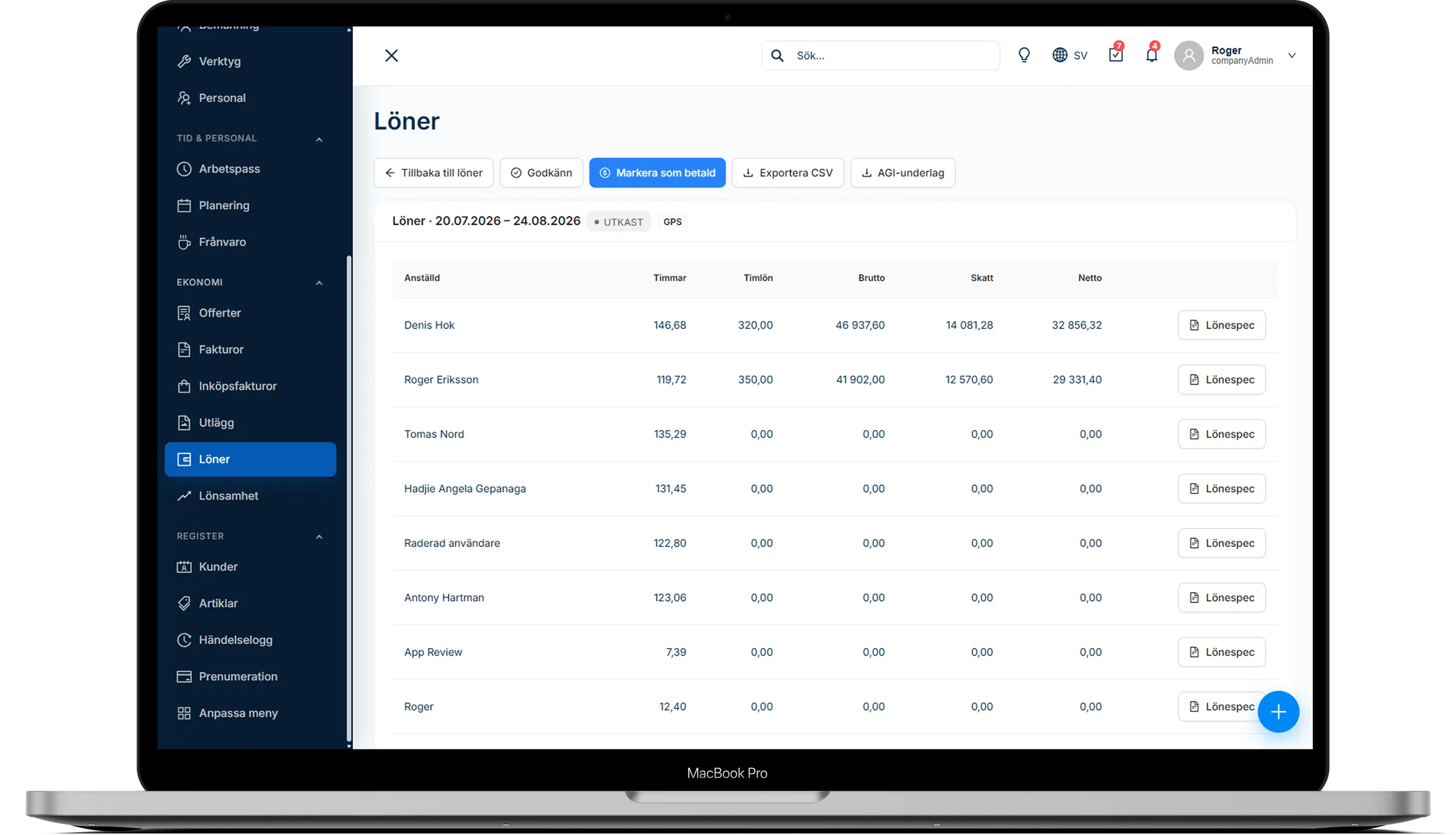
- Go to Payroll and select a pay period, for example one month.
- The system totals hours per employee – regular time, overtime and shift premiums based on the hour type of each shift – and calculates gross pay using the multipliers for shift premiums and overtime that you set.
- Review the rows, adjust where needed and approve any exceptions.
- Approve the payroll run once everything is correct and mark it as paid after payout.
- Export the data as a CSV file to your payroll system or payroll bureau, and download the employer declaration (AGI) data.
How to do it in the app
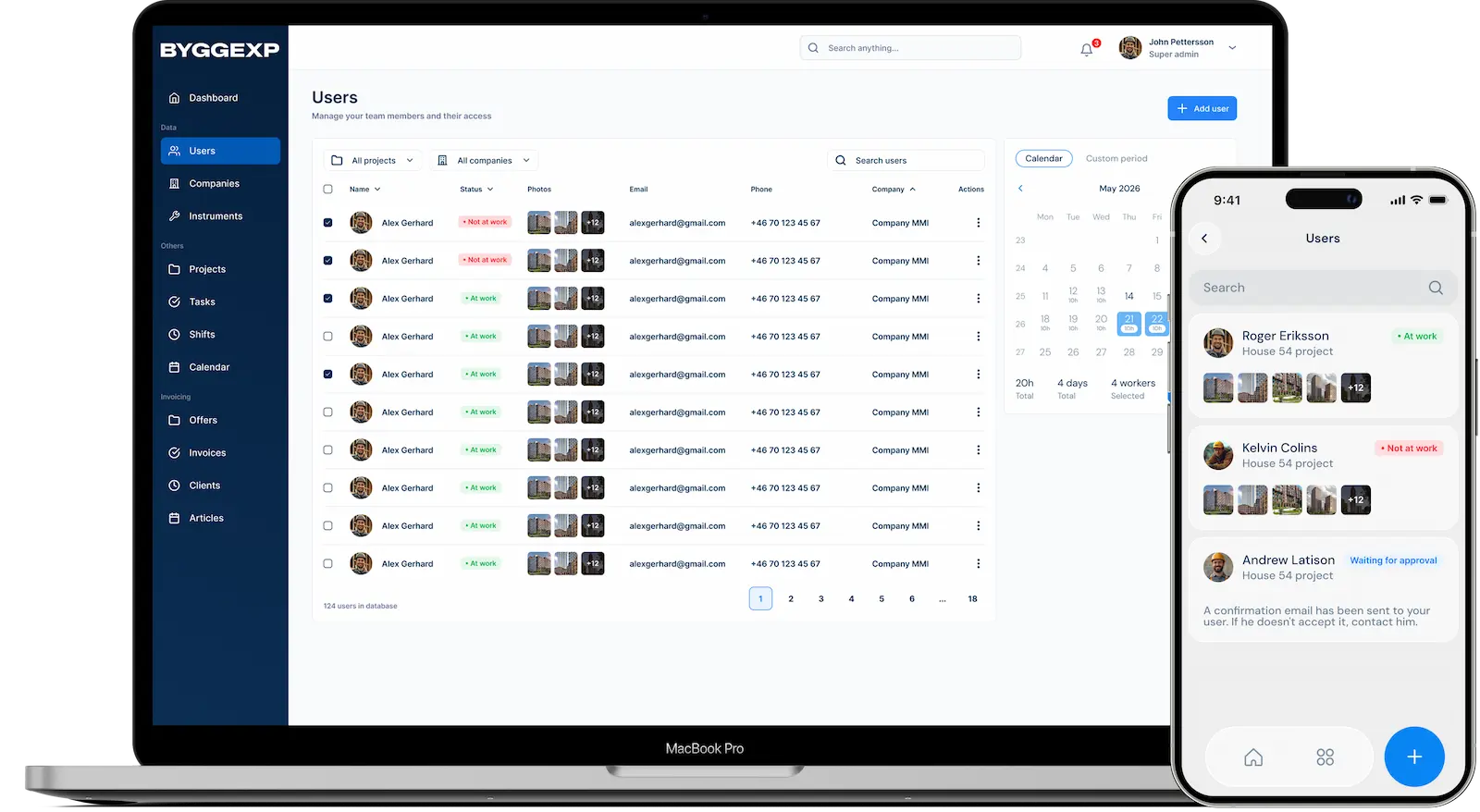
- The team clocks in and out in the app so the hours are logged automatically throughout the period.
- Everyone can see their own logged hours on their phone.
Benefits
- No more manual totalling — fewer calculation errors and after-the-fact corrections.
- Shift premiums and overtime are calculated with the same multipliers every period.
- Faster payroll runs and happier employees who get paid correctly.
- A traceable record if a payroll figure is questioned.
Tips
Set a fixed cut-off date for the period so everyone knows when time needs to be reported. Review exceptions continuously through the month rather than all at once — that keeps the last day calm. Check the multipliers for shift premiums and overtime against your collective agreement, and make sure the team picks the right hour type on every shift.
Frequently asked questions
Can I correct an hour before payroll is run?
Yes. Correct the shift in the web admin before you approve the payroll run, and the data will be right.
Does it work with our payroll system?
The data is exported as a CSV file you can hand over to your payroll system or bureau, so you avoid keying in the hours again.
Want to shorten the time from hour to pay? Gather your hours in ByggExp and turn payroll data into a few minutes' work each period.
It all connects: payroll data is built from logged hours from the site, and the same hours appear in your project finances – from working time to pay in one system.