Invoicing is often what gets left behind when the days are full on site – but unbilled time is lost money. With invoicing in ByggExp, you turn logged time, materials and variations (ÄTA) into a finished invoice straight from the project, send it, and see who has paid and who hasn't.
What invoicing in ByggExp is
Invoicing in ByggExp means building an invoice from the data that already exists in the system. Registered hours, purchased materials and additional work (variations, ÄTA) are pulled in automatically, so you invoice exactly what was done – without hunting through notes and receipts.
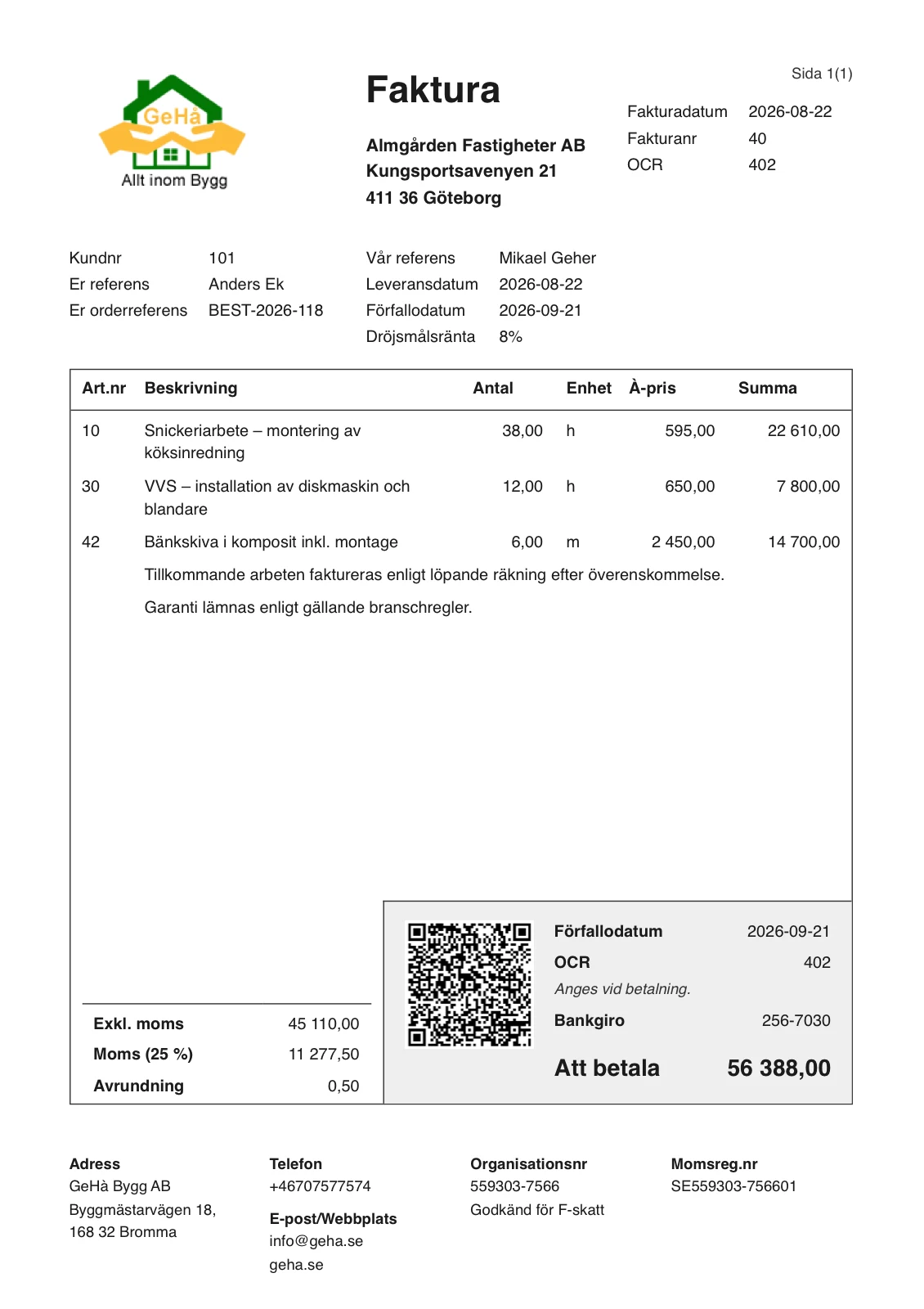
How to do it in the web admin
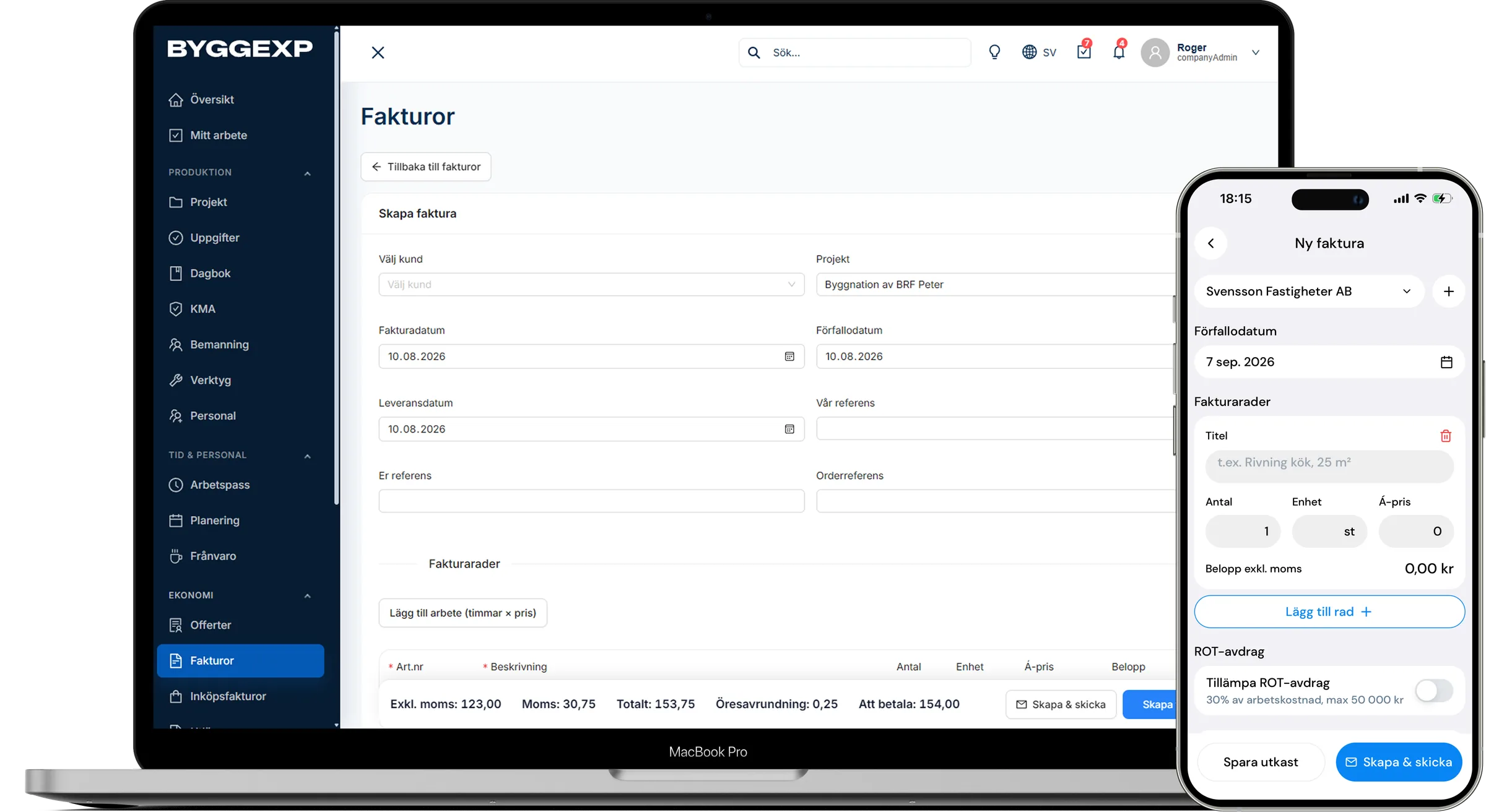
- Go to Invoices and click New invoice – choose the customer and project.
- Select the items to include – logged time, materials and variation (ÄTA) lines. ByggExp automatically suggests anything not yet invoiced.
- Adjust lines if needed, set the VAT and any ROT tax deduction, and check the total.
- Set the due date and payment terms, for example 30 days.
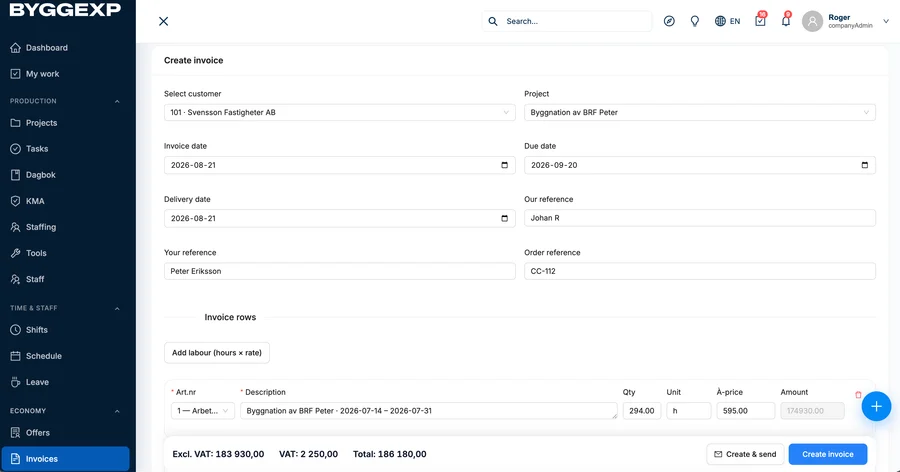
- Preview and press Send – the invoice goes to the customer with your details and an OCR reference number.
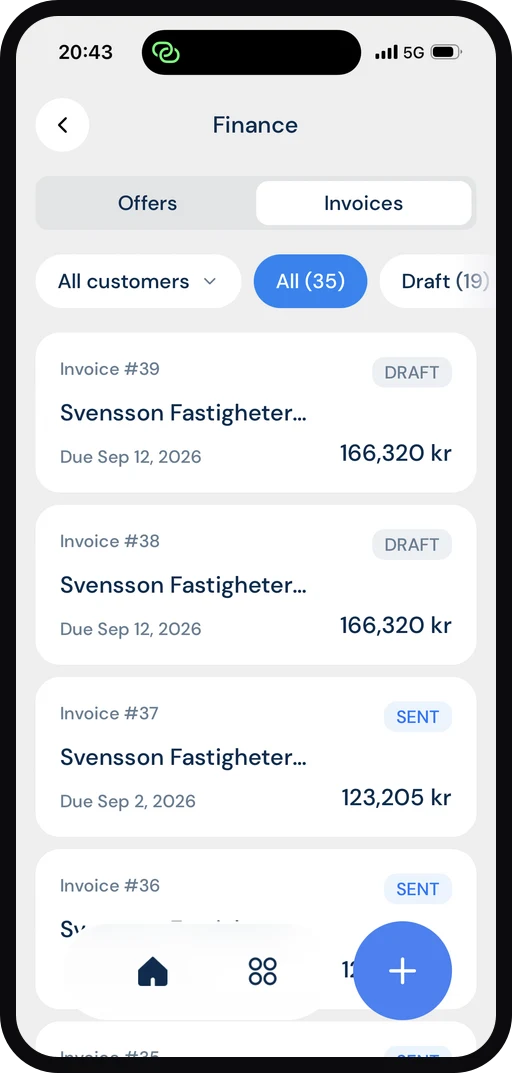
How to do it in the app
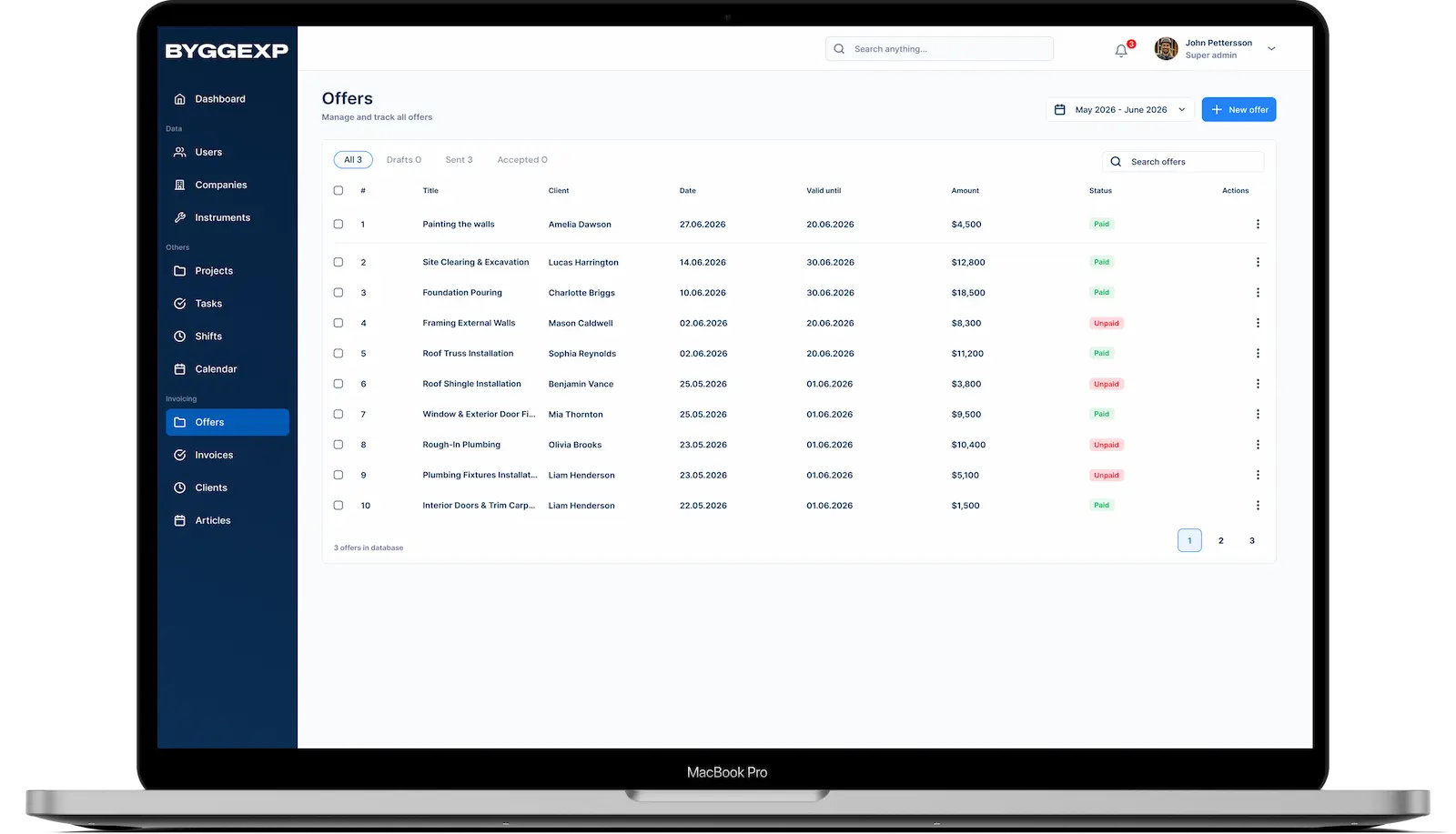
- In the mobile app you can see straight away which invoices are unpaid and which are paid.
- Follow up on payments as you go, even when you're out on site.
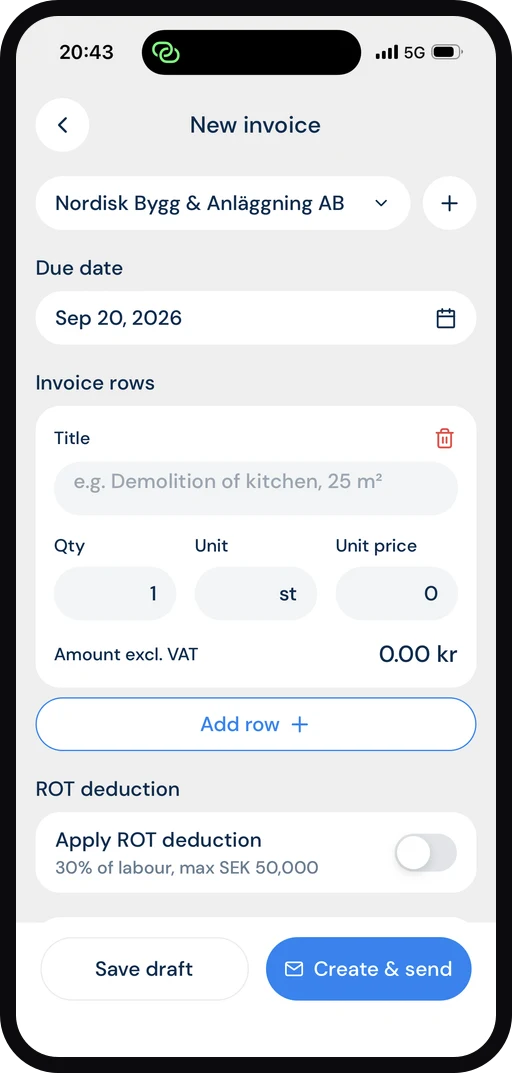
It all connects: the invoice doesn't stand alone – logged time, materials and expenses automatically become invoice lines, and the invoice appears immediately in the project's finances so you see the margin at once.
Benefits
- Invoice faster – the data is already in the system.
- No forgotten time: everything that's logged becomes billable.
- A clear overview of what's paid, unpaid and overdue.
- Fewer errors, because the figures come straight from the project.
Tips
Invoice as you go instead of waiting until the end of a large project – it smooths out your cash flow. Send a friendly reminder a few days after the due date; often that's all it takes to get paid. Label variation (ÄTA) work clearly so the customer sees it's extra ordered work and not part of the original quote.
Frequently asked questions
Can I part-invoice a large project?
Yes. You decide which items go on each invoice and can invoice in stages as the work progresses.
How do I see which invoices haven't been paid?
Every invoice has a status – sent, paid or overdue. You can easily filter out the unpaid ones and follow up right away.
Want to get paid faster and avoid awkward invoicing? Start invoicing from ByggExp and keep your cash flow moving.