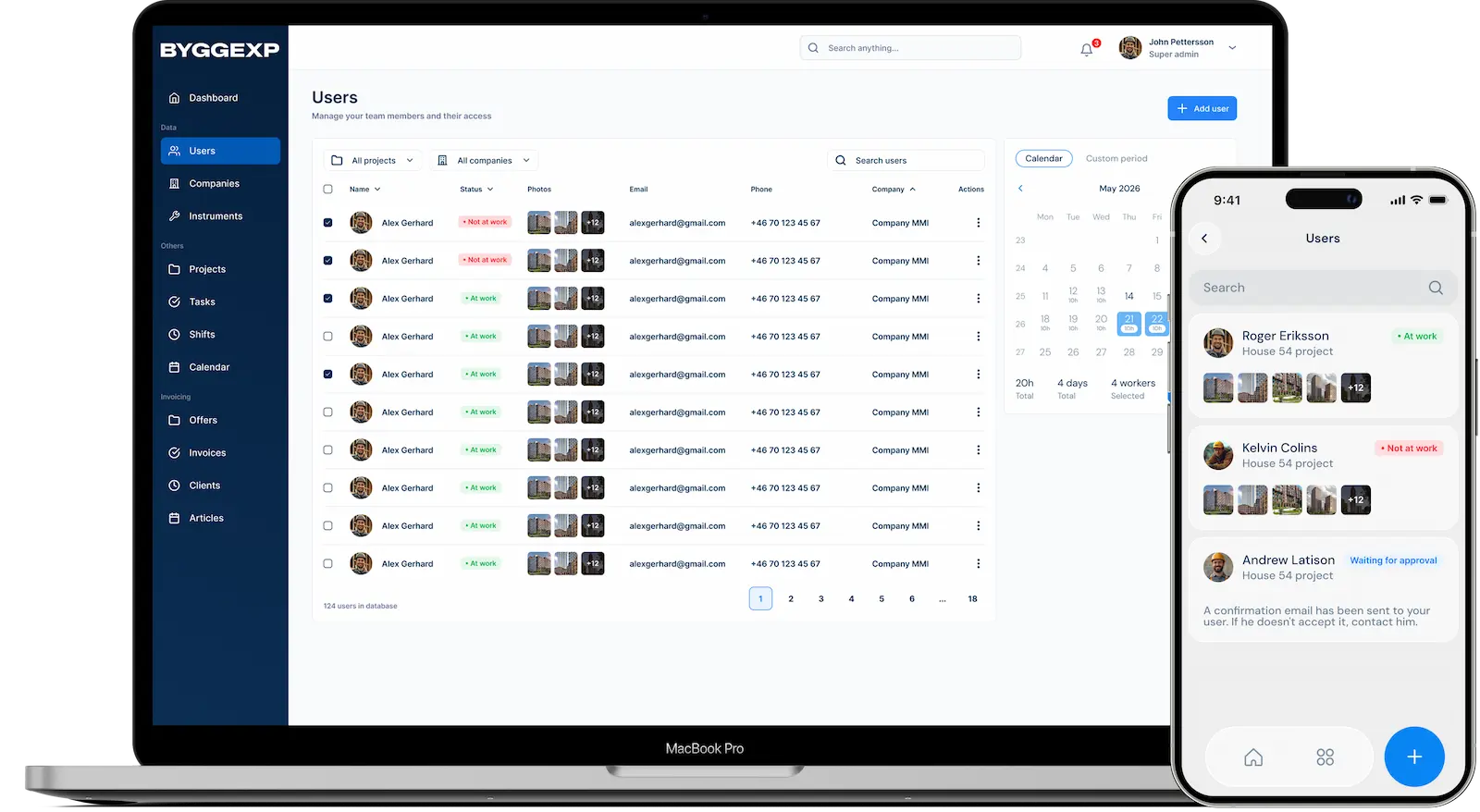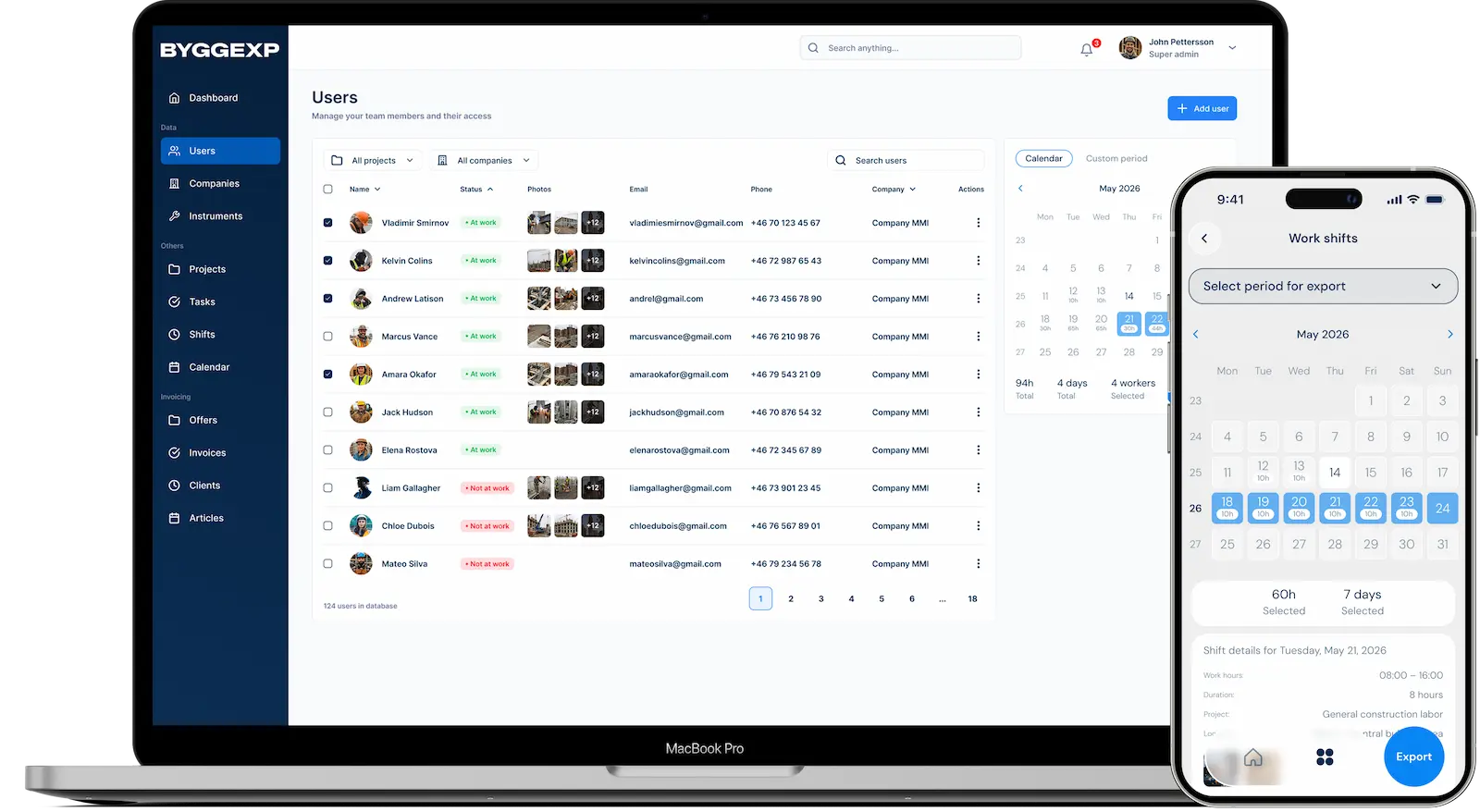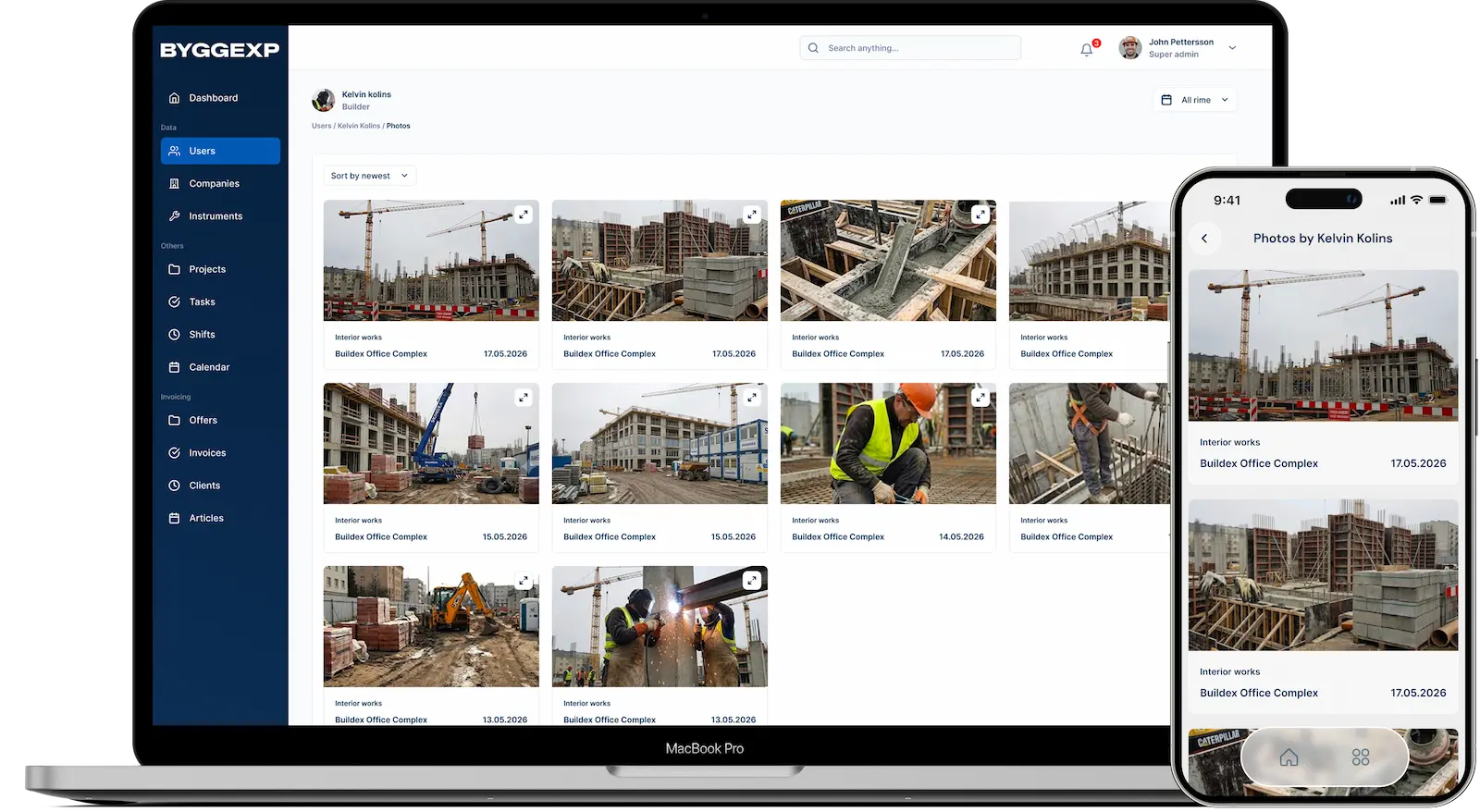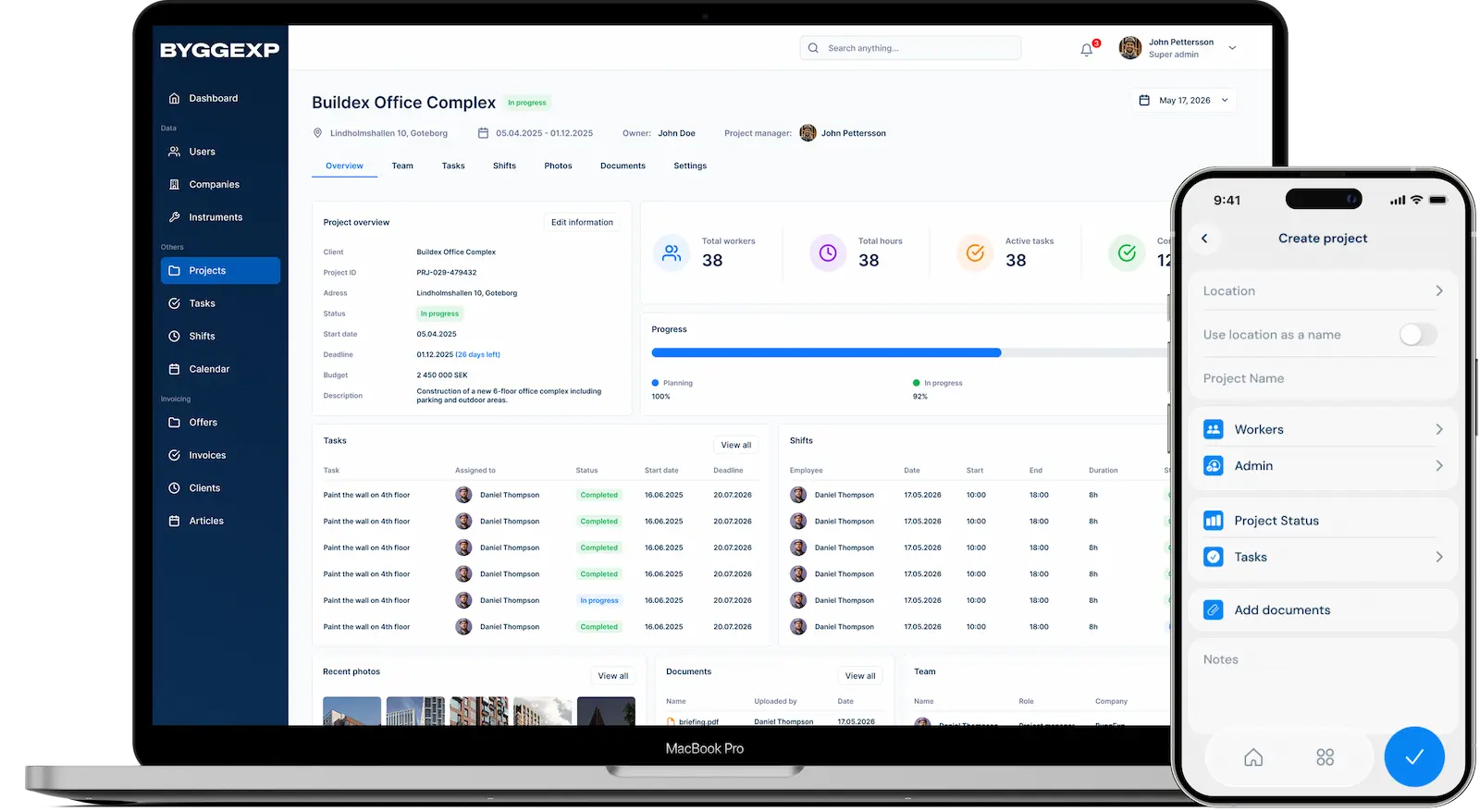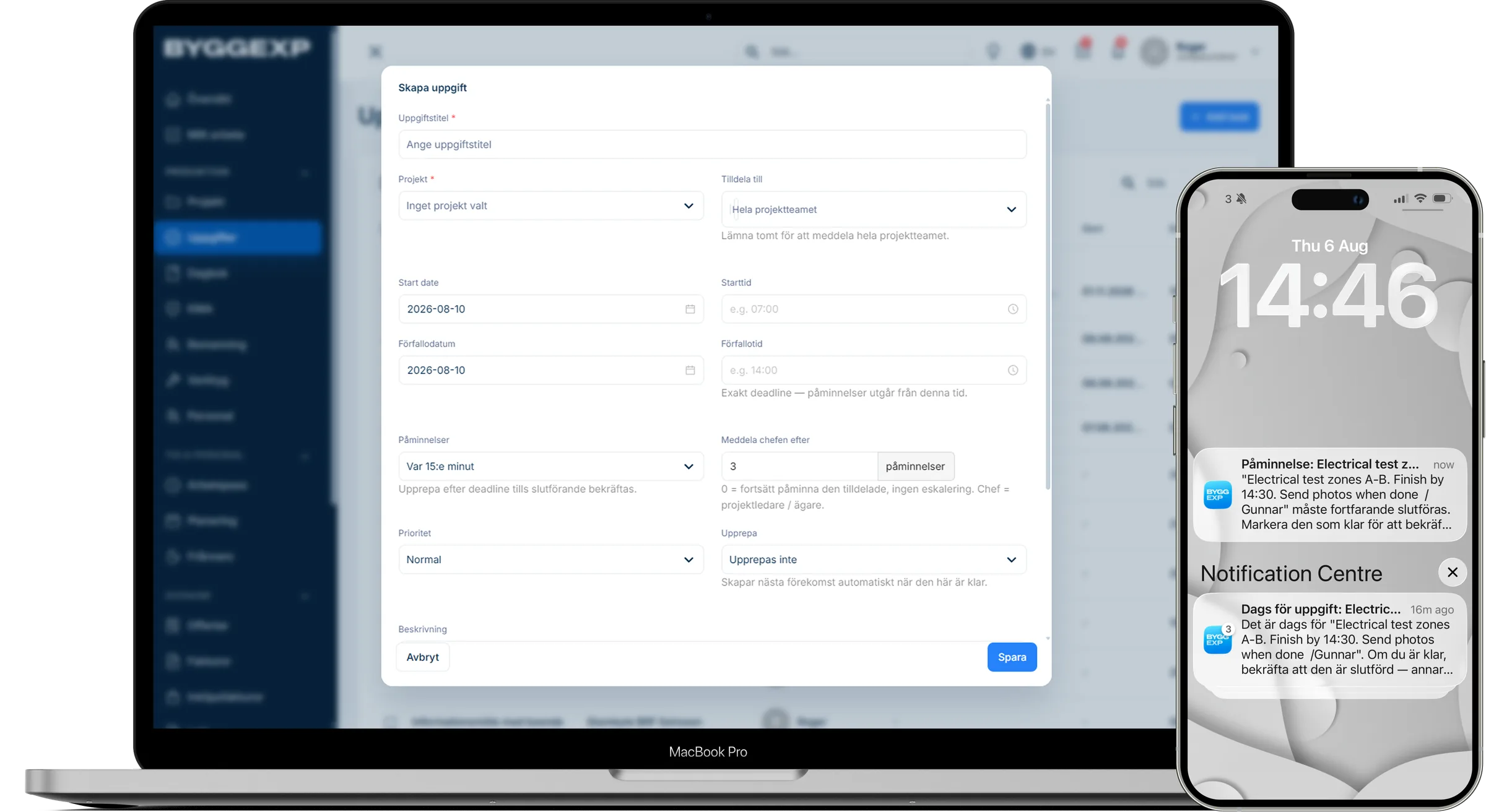
Good task management is the difference between a build that keeps moving and one that constantly loses track of the details. With tasks in ByggExp you create tasks per project, assign an owner and deadline, and see the status in real time — both on the web and in the mobile app. No one has to guess what needs doing next anymore.
What are tasks in ByggExp?
Tasks are concrete work items tied to a project, for example "Install kitchen" or "Order plasterboard". Every task has an owner, a deadline and a status so everyone can see what's in progress, what's done and what's falling behind.
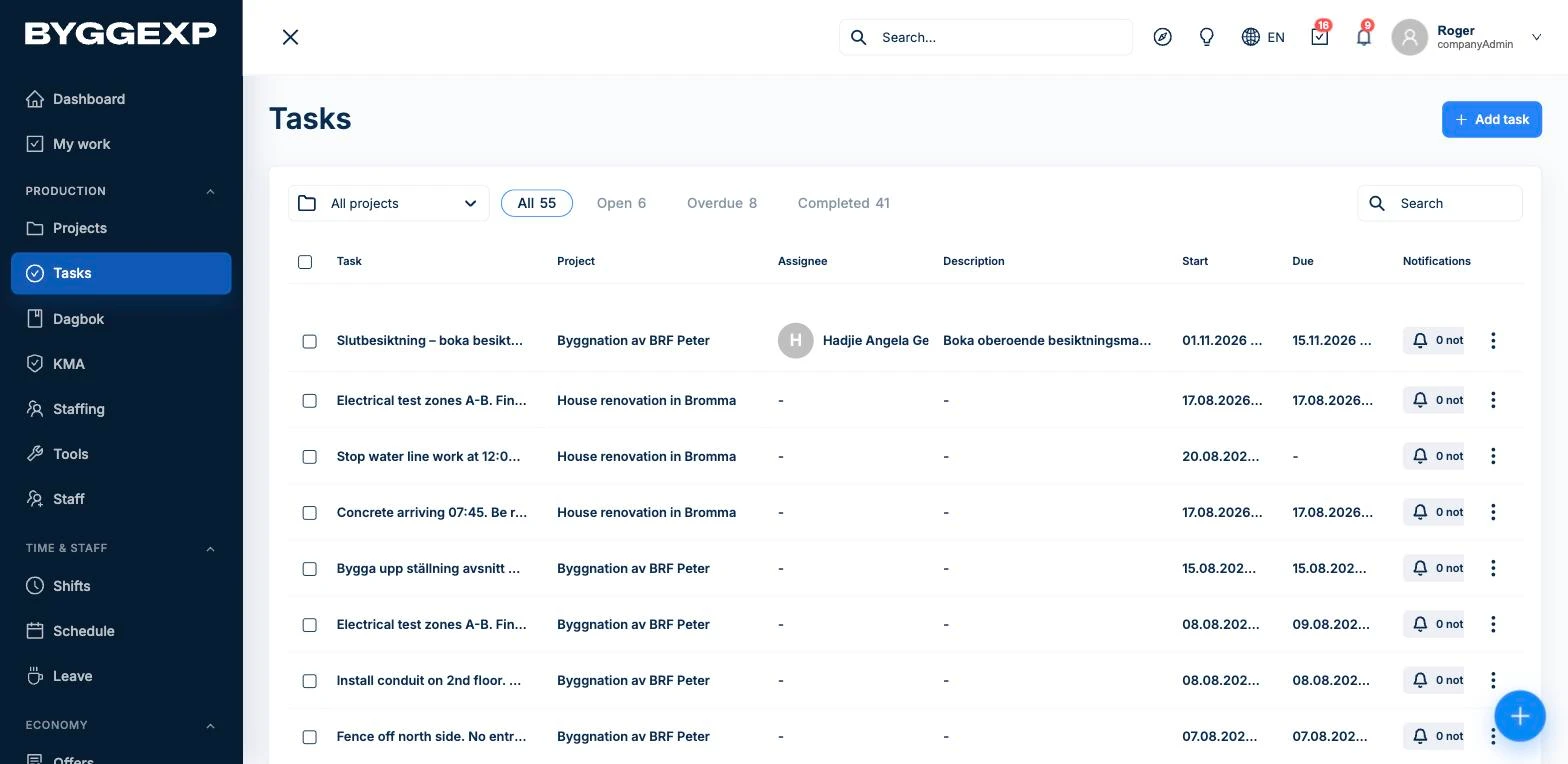
How to do it in the web admin
- Go to Tasks and click New task, then choose a project.
- Write a clear title and a short description.
- Select the responsible team member and set a deadline.
- Follow the entire project's task list and see what's left to do.
How to do it in the app
- The assigned person sees the task right away in the app on their phone.
- Out on site, the team member updates the status to in progress or done.
Benefits
- Clear ownership — every task has a named owner.
- Deadlines mean nothing gets put off and forgotten.
- The status is visible in real time on both web and mobile.
- The whole team works from the same up-to-date list.
Tips
- Break large jobs into smaller tasks so progress becomes visible.
- Phrase the title as an action, for example "Pour the slab", not just "Slab".
- Review the list at the morning meeting so everyone knows the day's priorities.
Frequently asked questions
Can several people see the same task?
Yes. Everyone on the project sees the task list, and the assigned person gets the task clearly flagged in their app.
What happens when a deadline passes?
The task is marked as overdue in the list so you can quickly see what needs to be prioritised.
Want to keep things organised on site? Try tasks in ByggExp and keep the whole team in sync on what needs to be done.
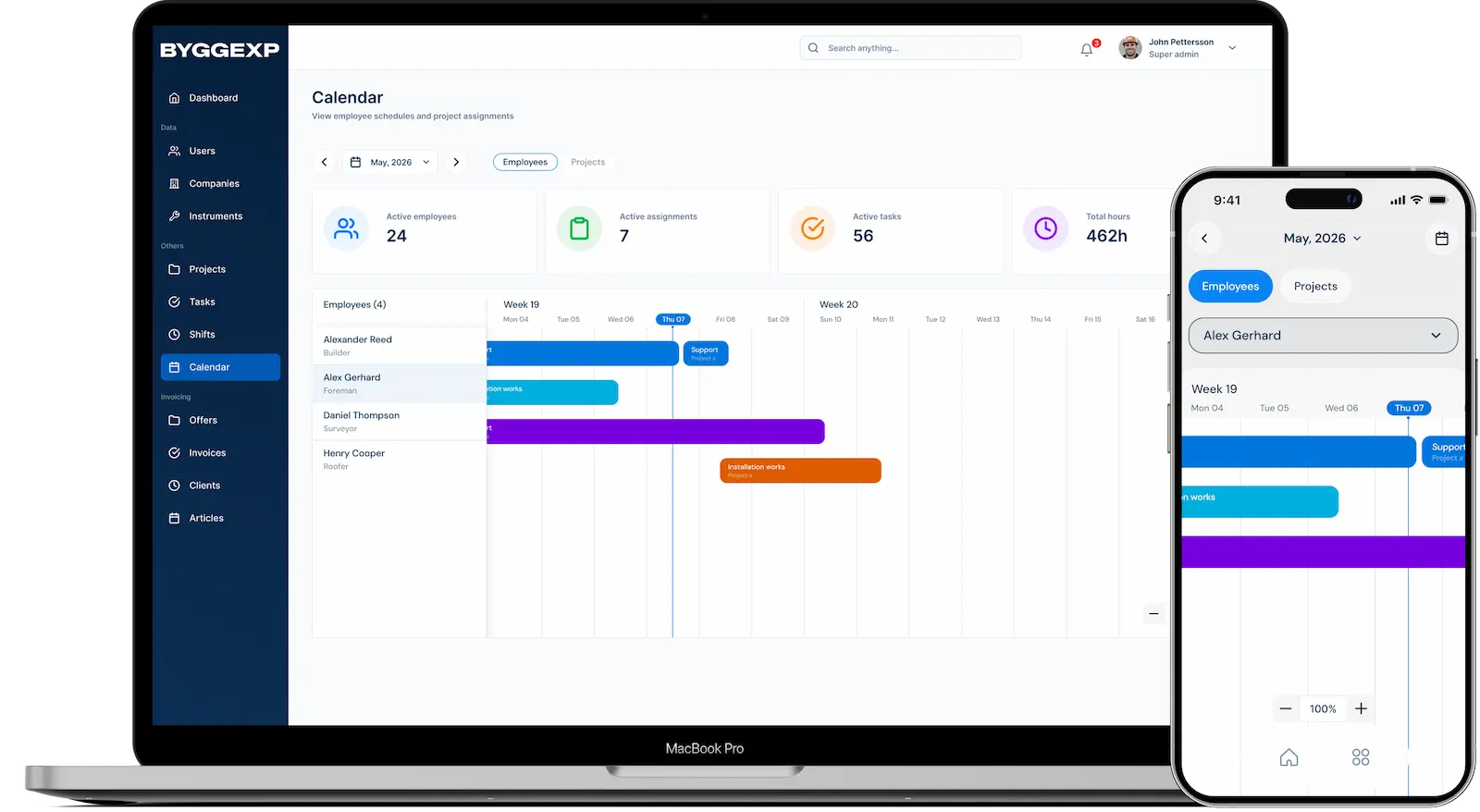
It all ties together: tasks with deadlines connect to automatic reminders and show per project in the app's Gantt view. Who works where you plan in the planner.