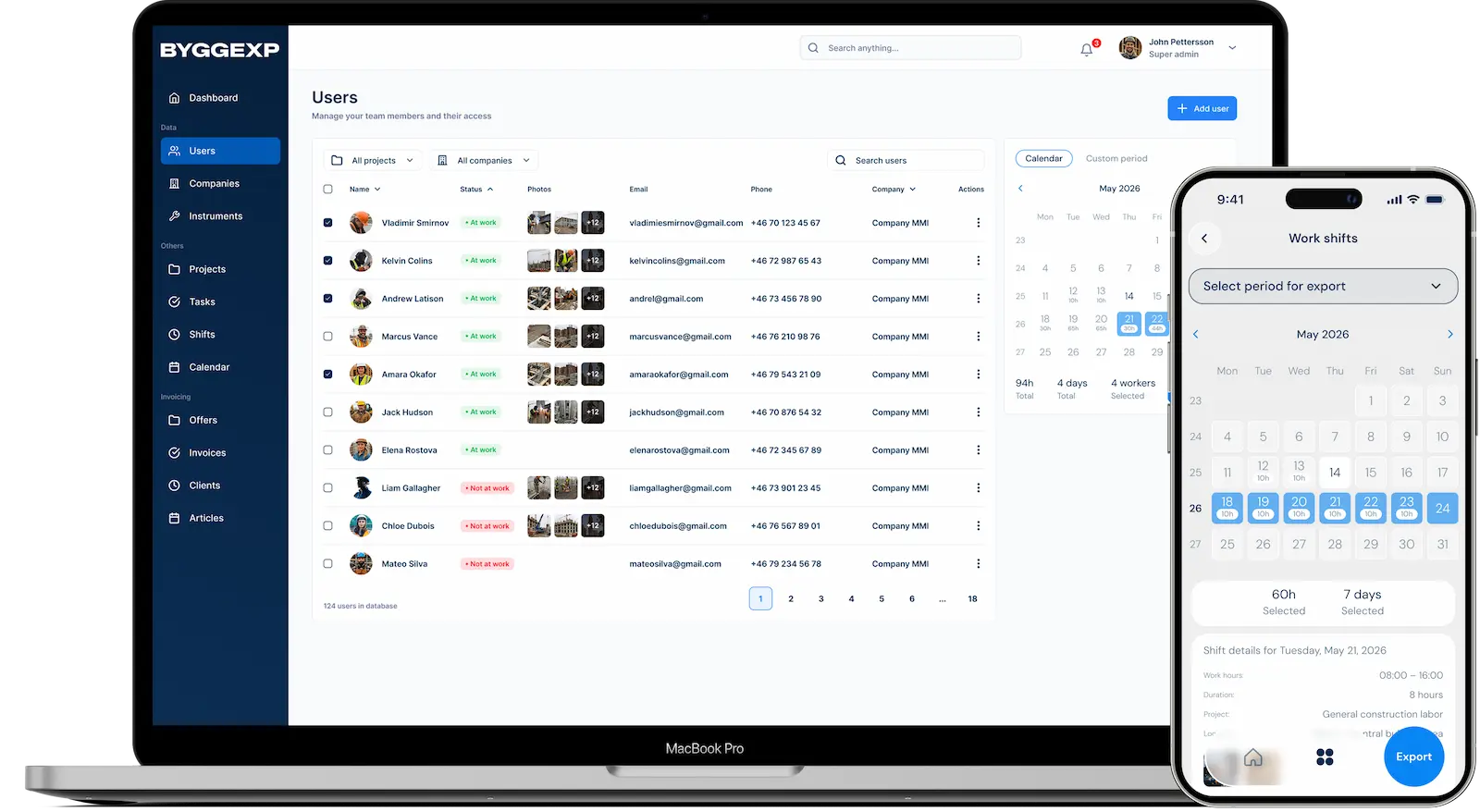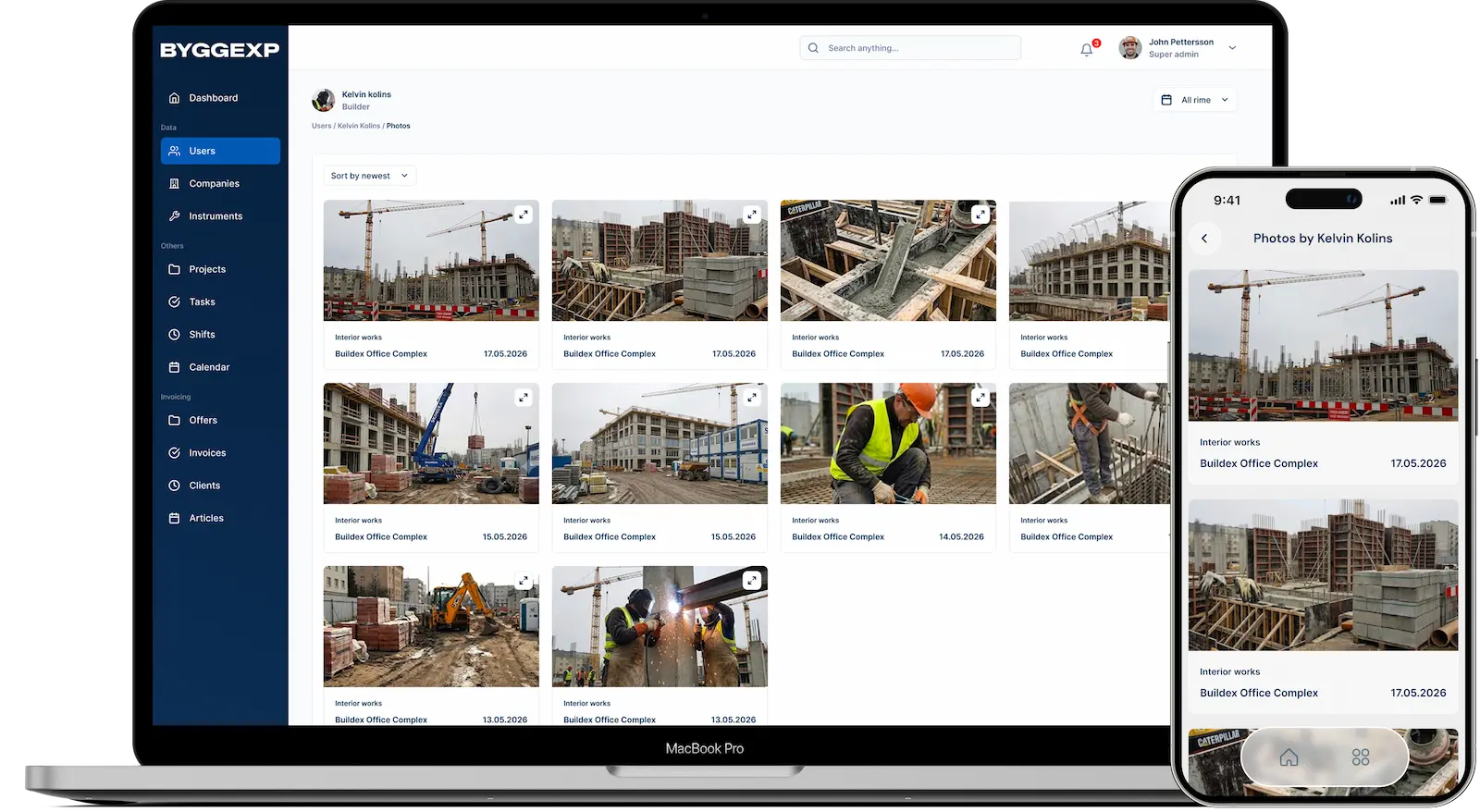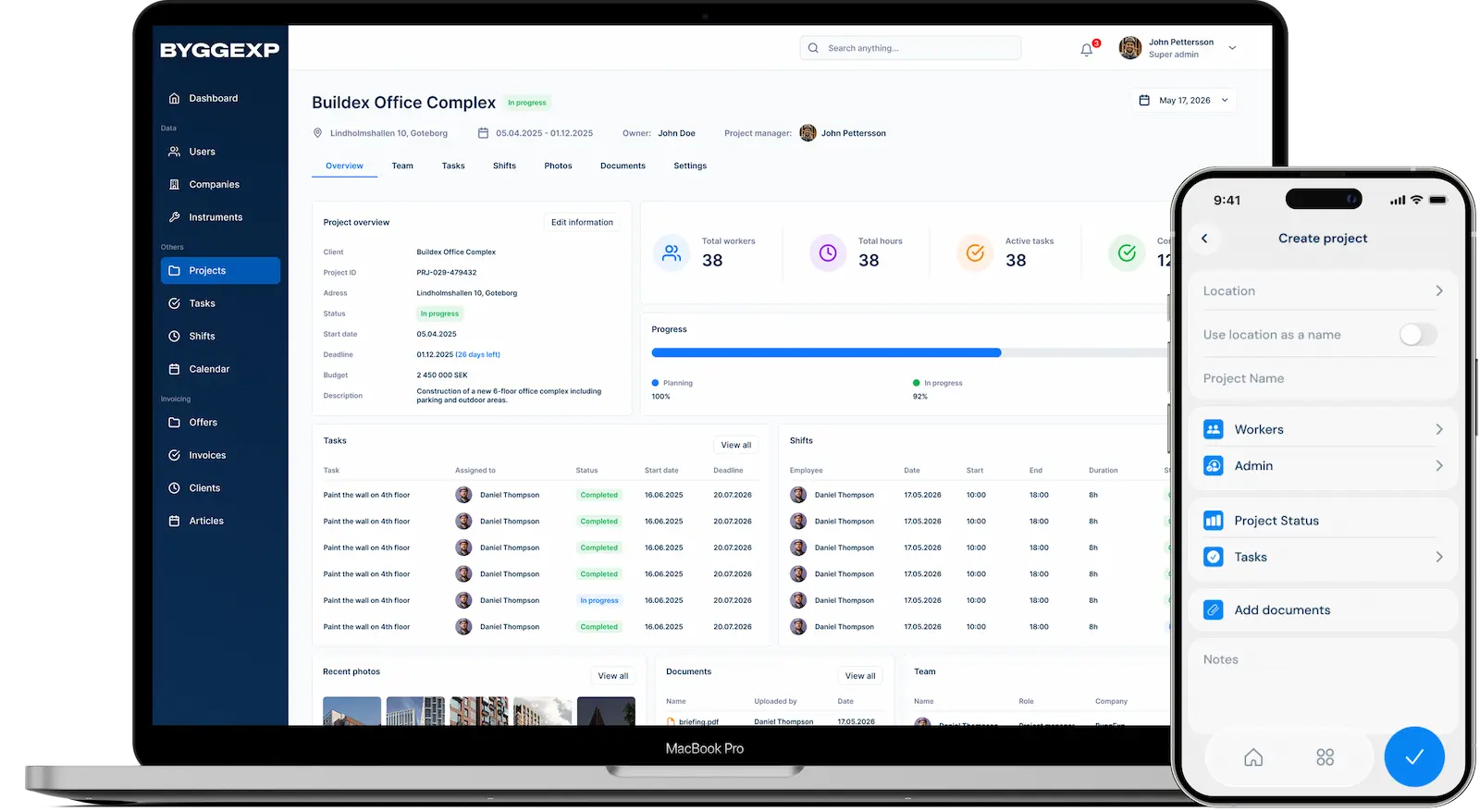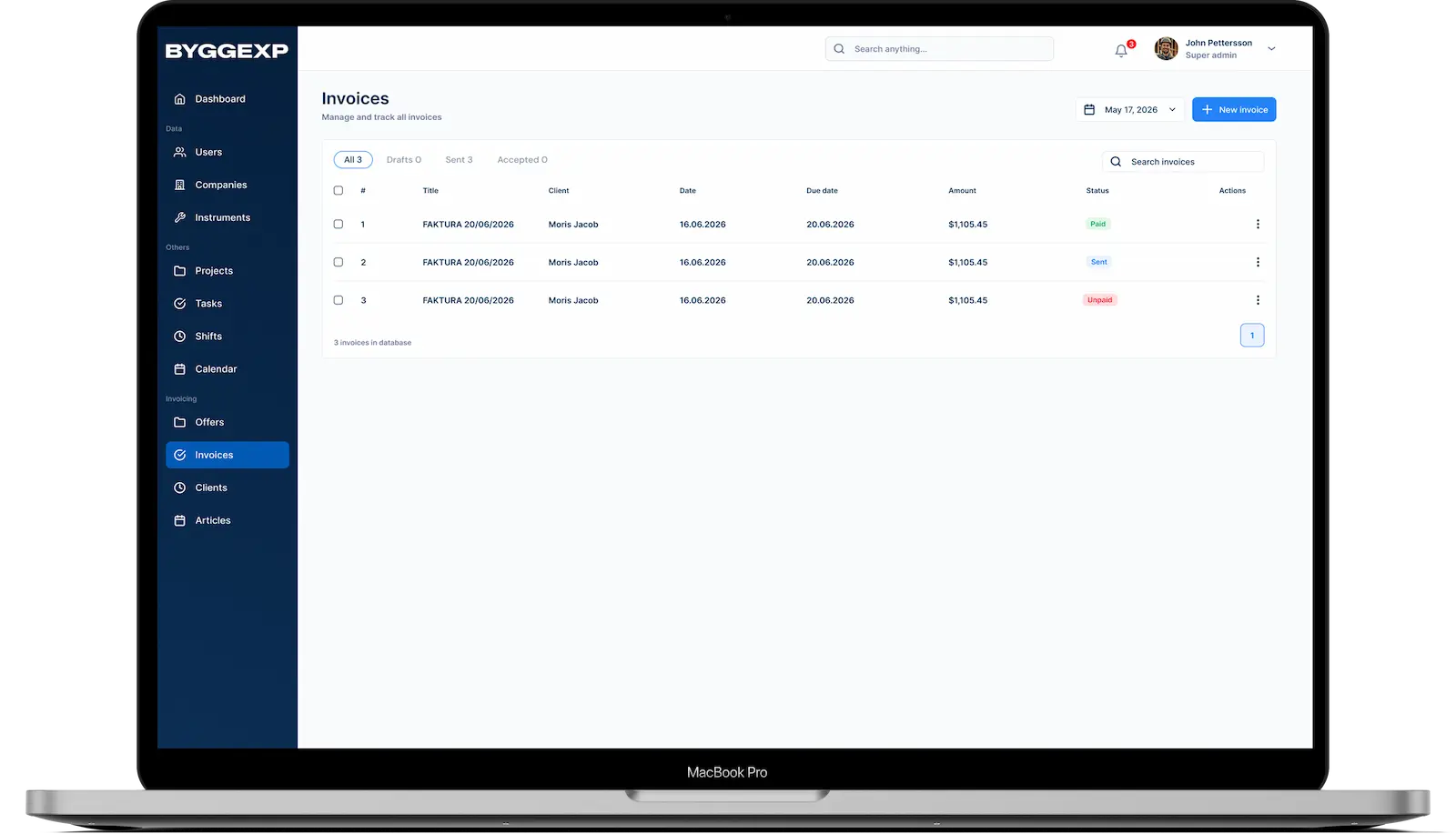
Reminders are a lifesaver when the day is packed with calls, site meetings and interruptions. It only takes one forgotten follow-up call or an unpaid invoice for it to get expensive. With reminders in ByggExp you add everything that has to happen — and the app nudges you at the right time.
What are reminders?
A reminder is a small note with a date and time that makes the app alert you when something needs to be done. It could be a personal task, a project deadline or an invoice that needs paying. You don't have to keep it all in your head.
How to do it in the web admin
- Follow the project's tasks and deadlines in context and check off what's been done.
How to do it in the app
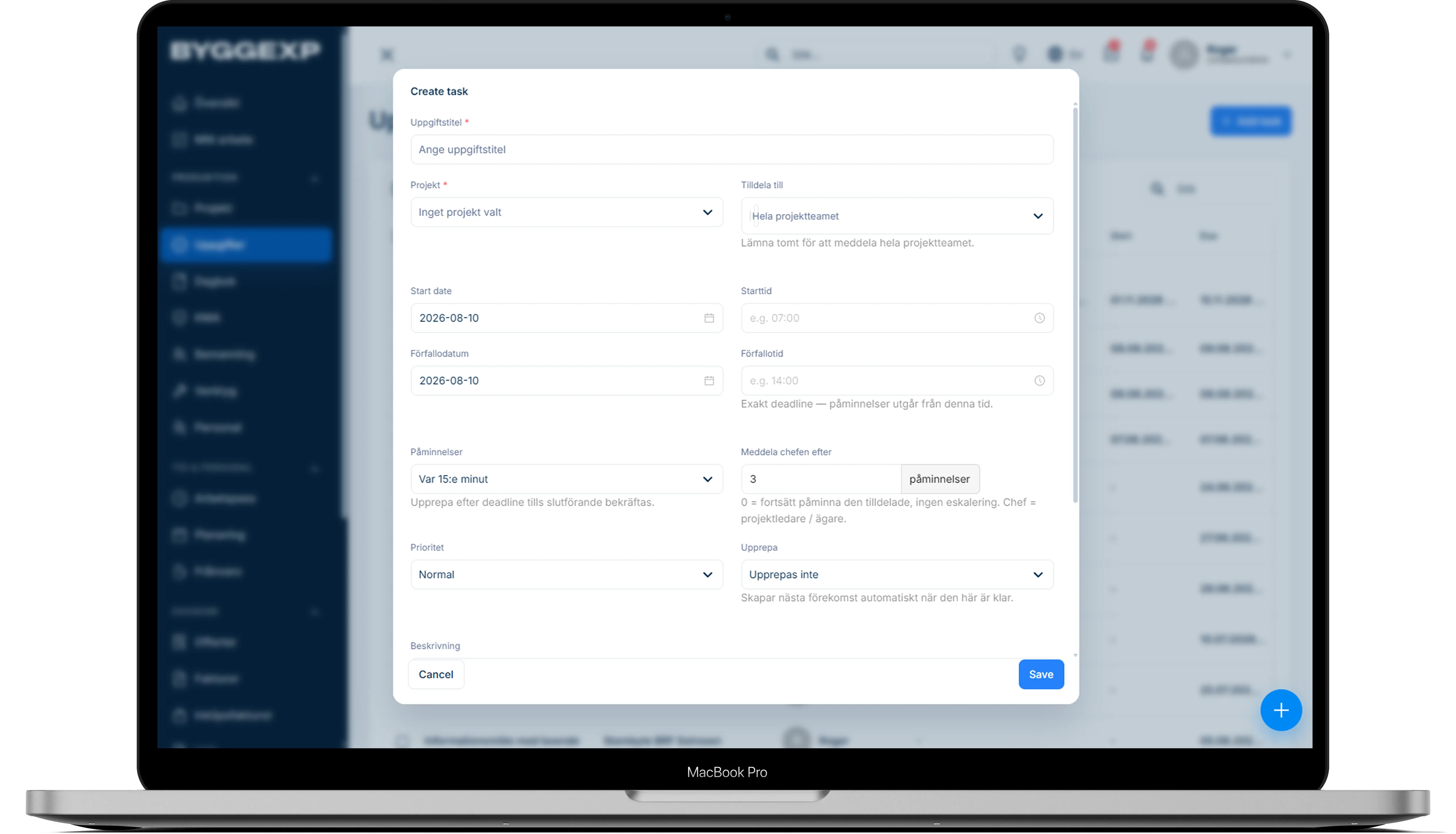
- Go to Reminders or To do and tap New reminder.
- Write what it's about, for example "Order plasterboard for apartment 4".
- Choose the date and time when you want to be reminded, and set a deadline if needed.
- Link the reminder to a project so you'll find it where it belongs.
- Is it a recurring job — like a monthly invoice? Let ByggExp create the next occurrence automatically once this one is done.
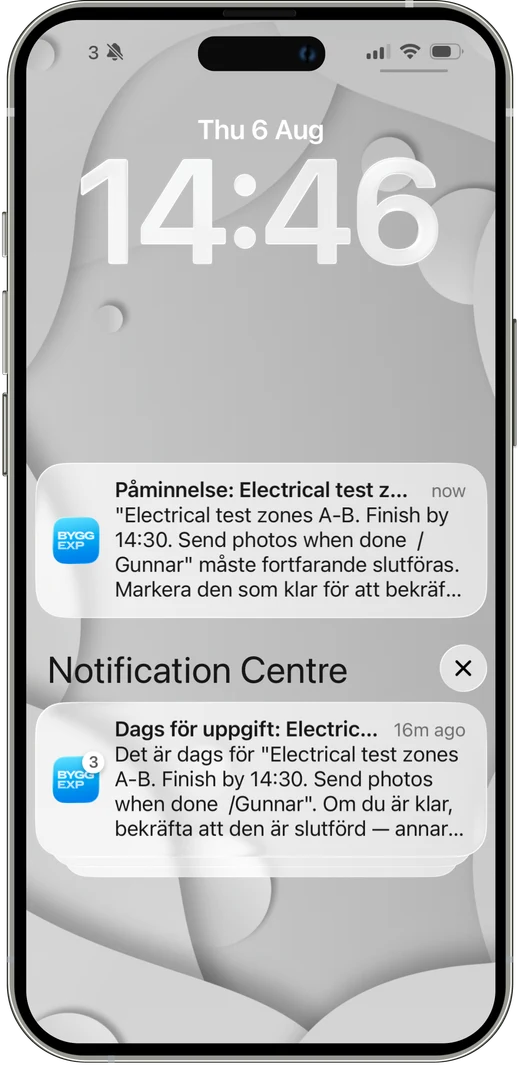
- Save — you'll get a notification on your phone when it's time, and check it off when it's complete.
Benefits
- Nothing slips through the cracks — deadlines and invoices are watched for you.
- You free your mind from having to remember everything and can focus on the job.
- Reminders linked to projects give context, not scattered notes.
- Fewer late payments and missed inspections.
Tips
Set the reminder a few days before a deadline rather than on the day itself — that way you have time to act. Phrase the task concretely ("call the client about the key") so you know straight away what needs doing. Add recurring invoices as repeating reminders once and you won't have to think about them again.
Frequently asked questions
Do I get a notification even when the app is closed?
Yes. As long as notifications are allowed on your phone, you'll get a push notification when the reminder falls due, whether or not the app is open.
Can I see all my reminders in one place?
Yes. In the list of reminders you can see upcoming and overdue tasks, and check them off as they get done.
Tired of remembering everything yourself? Add your tasks and deadlines to ByggExp and the app will remind you in good time — every time.
It all ties together: the reminders sit on your tasks – nothing slips through the cracks.