Creating a quote quickly and professionally is often the difference between winning the job or not. With the quote feature in ByggExp you build a complete quote with line items, pricing, ROT deduction and VAT in just a few minutes – and you no longer have to copy and paste in Word or Excel every time a customer gets in touch.
What is a quote in ByggExp
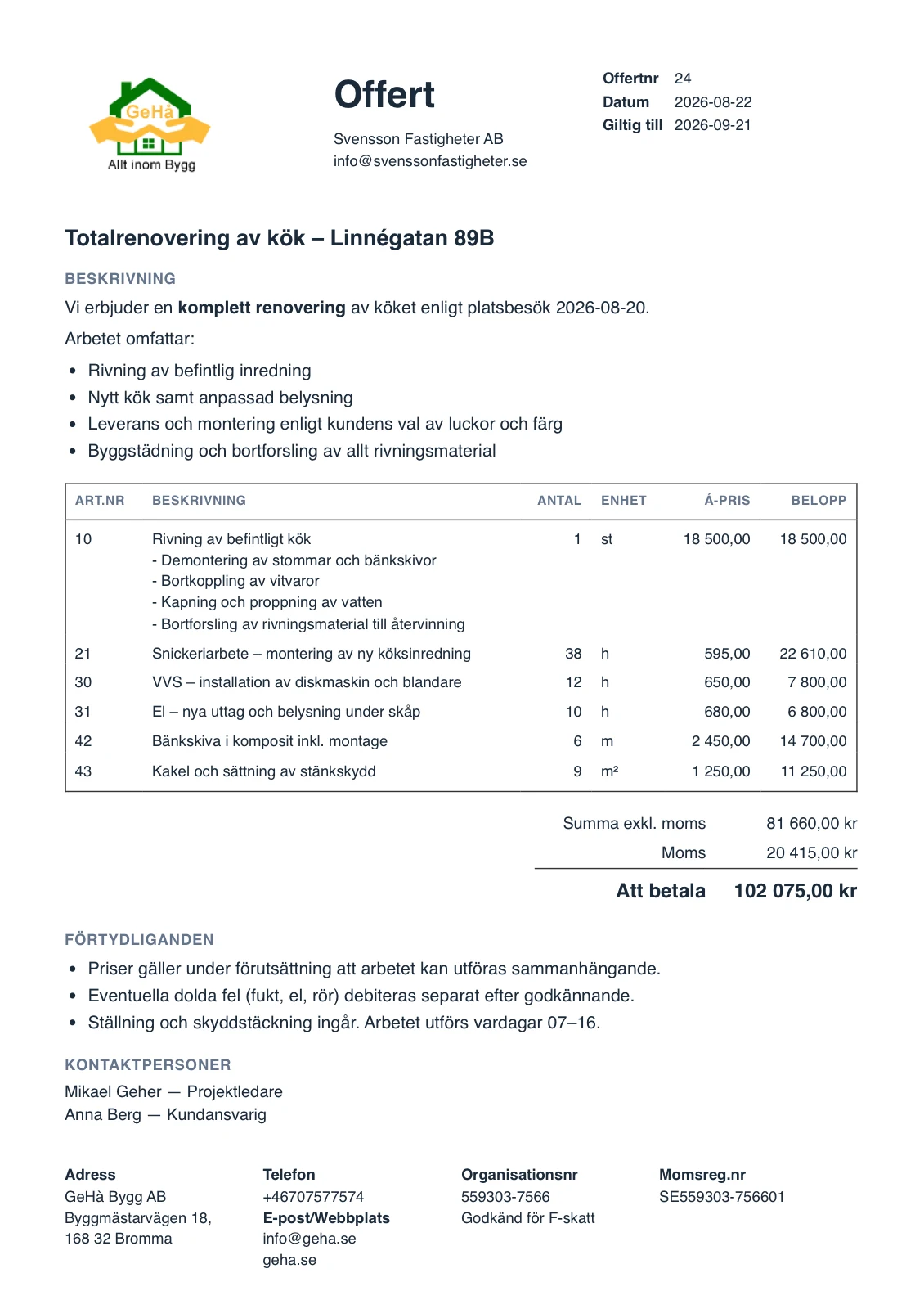
A quote is a price proposal you send to the customer before the job begins. In ByggExp the quote is a digital document linked to a project, where each line has a description, quantity, unit price and VAT. You instantly see the total, how much the ROT deduction affects it and what the customer actually pays.
How to do it in the web admin
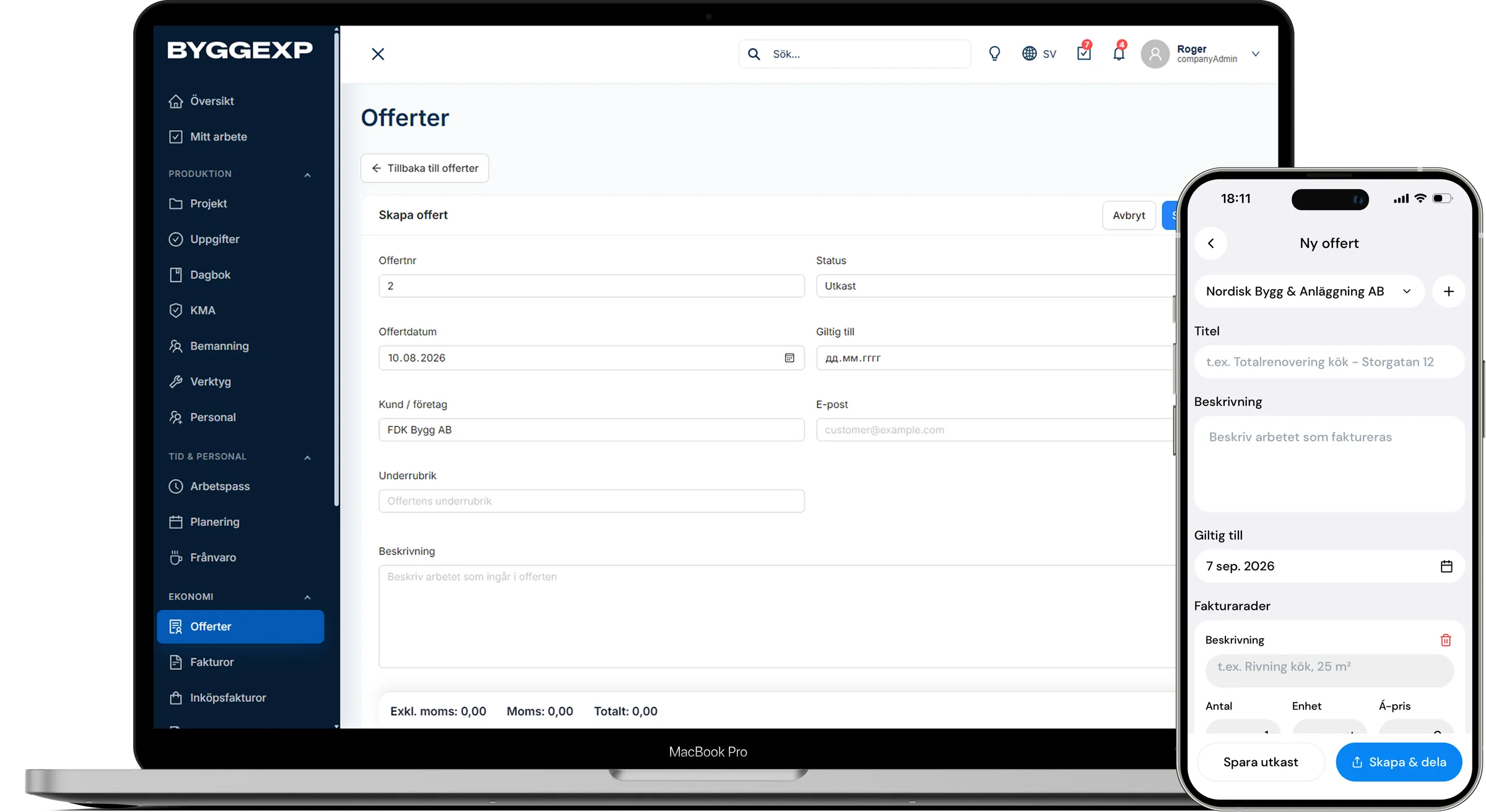
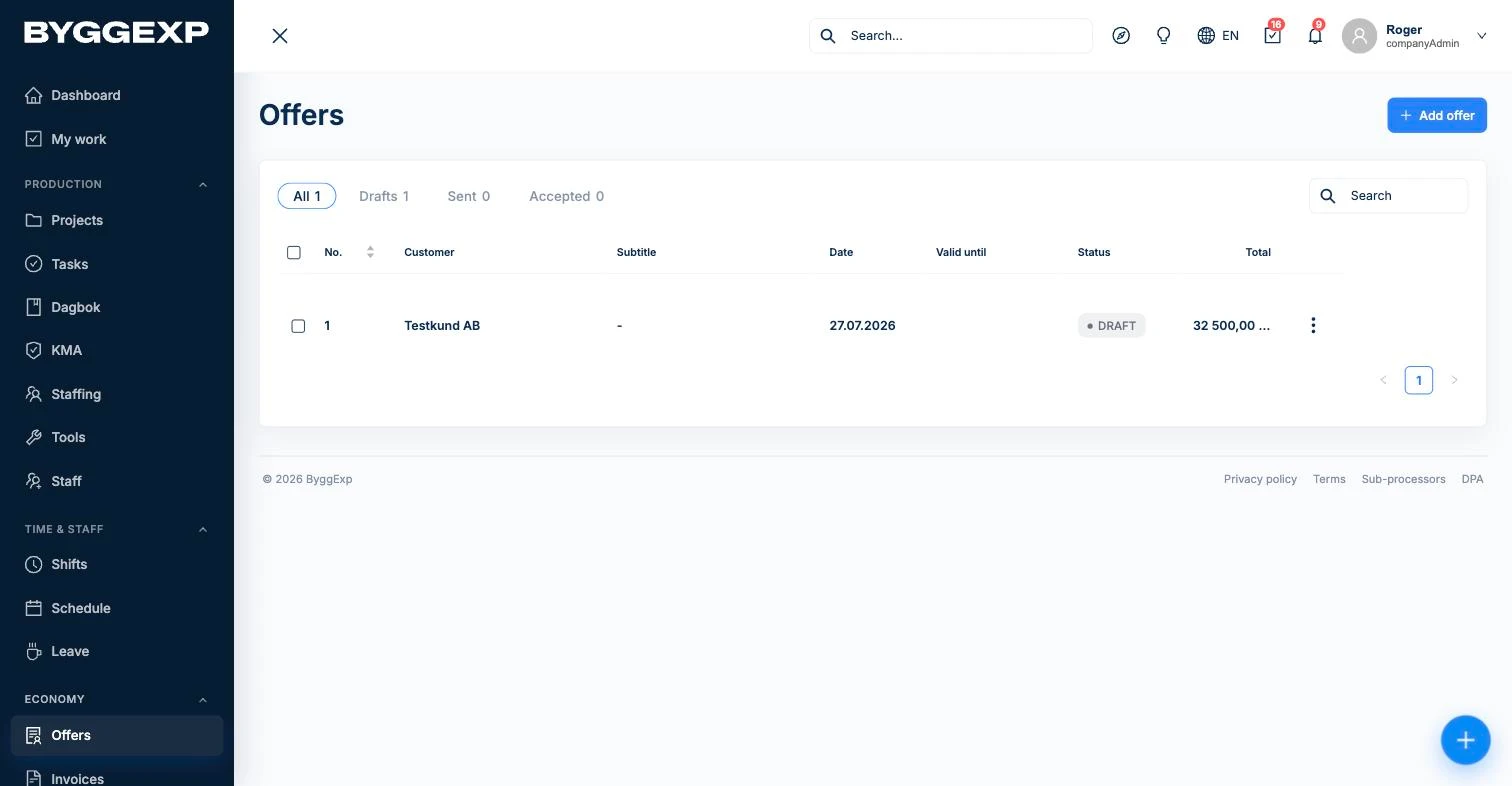
- Go to Quotes and click New quote.
- Choose the customer and link the quote to the right project.
- Add line items – labour, materials and machinery – with a description, quantity, unit price and unit.
- Set the VAT rate (usually 25%) and mark whether the ROT deduction applies. ByggExp automatically calculates the customer's share.
- Write a clear introduction with the validity period, payment terms and what is included.
- Preview it and press Send – the customer receives the quote by email with your logo.
How to do it in the app
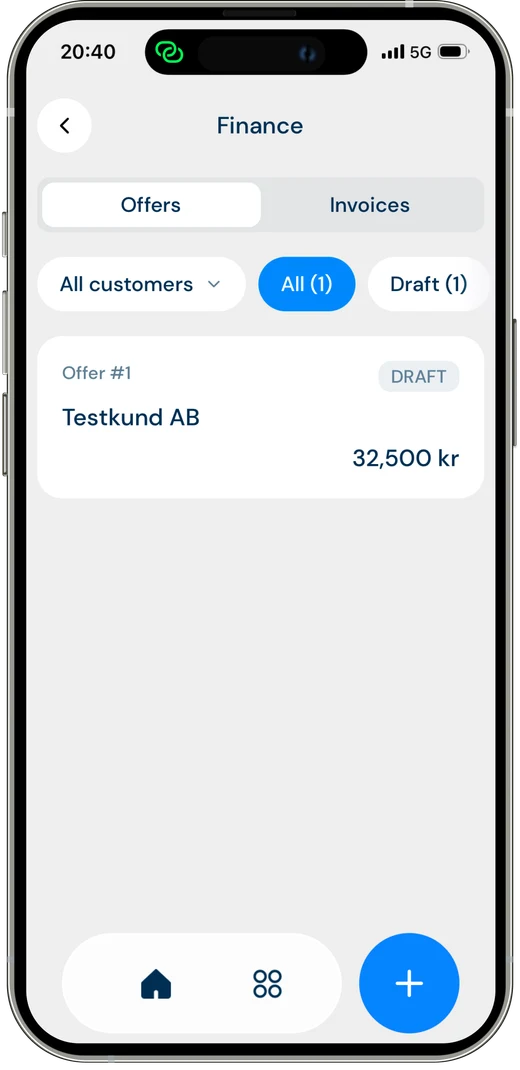
- In the mobile app you can see your sent quotes and their status.
- Follow up straight from the job site and remind the customer when needed.
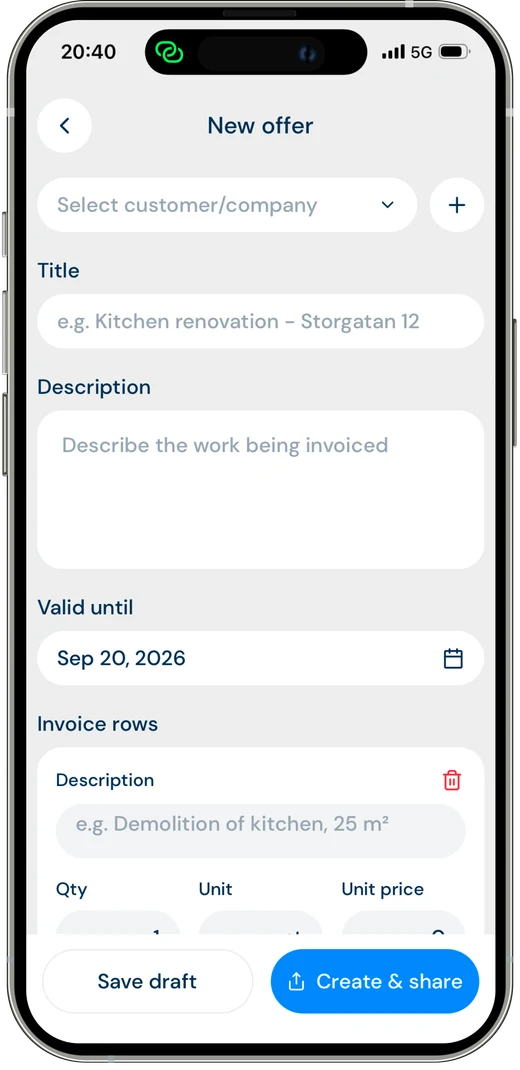
Everything connects: an approved quote becomes the basis for the invoice and carries over into the project finances – all in the same system, without entering anything twice.
Benefits
- A professional impression with a consistent quote template and your company logo on every quote.
- Automatic calculation of VAT and ROT deduction – no arithmetic errors.
- Everything gathered on the project, so the quote, time and invoice all tie together.
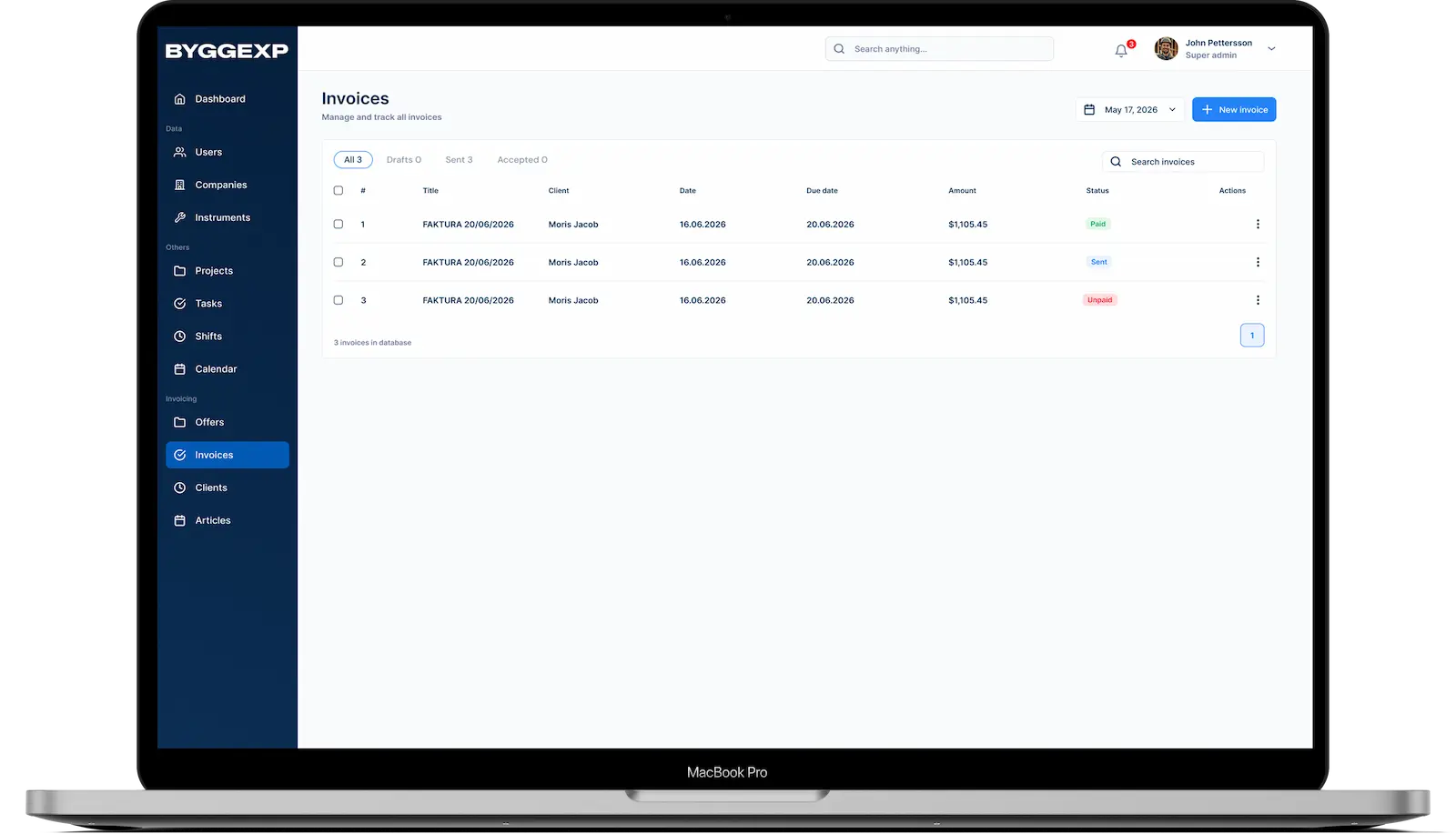
- You can see the status: draft, sent or accepted.
Tips
Save your most common line items as a template so you don't have to rewrite the same text every time. Always set a validity period on the quote, for example 30 days, so the customer knows the price won't last forever. Follow up on a quote that has been open for a few days – a short call increases the chance of it being accepted.
Frequently asked questions
Can I change a quote after it has been sent?
Yes. You can revise the quote and send a new version. The status updates so you always see which version applies.
Does an accepted quote automatically become an invoice?
You can easily turn an accepted quote into the basis for an invoice, so the line items carry over and you don't have to enter them again.
Want to win more jobs with clear, fast quotes? Try the quote feature in ByggExp and send your first quote today.