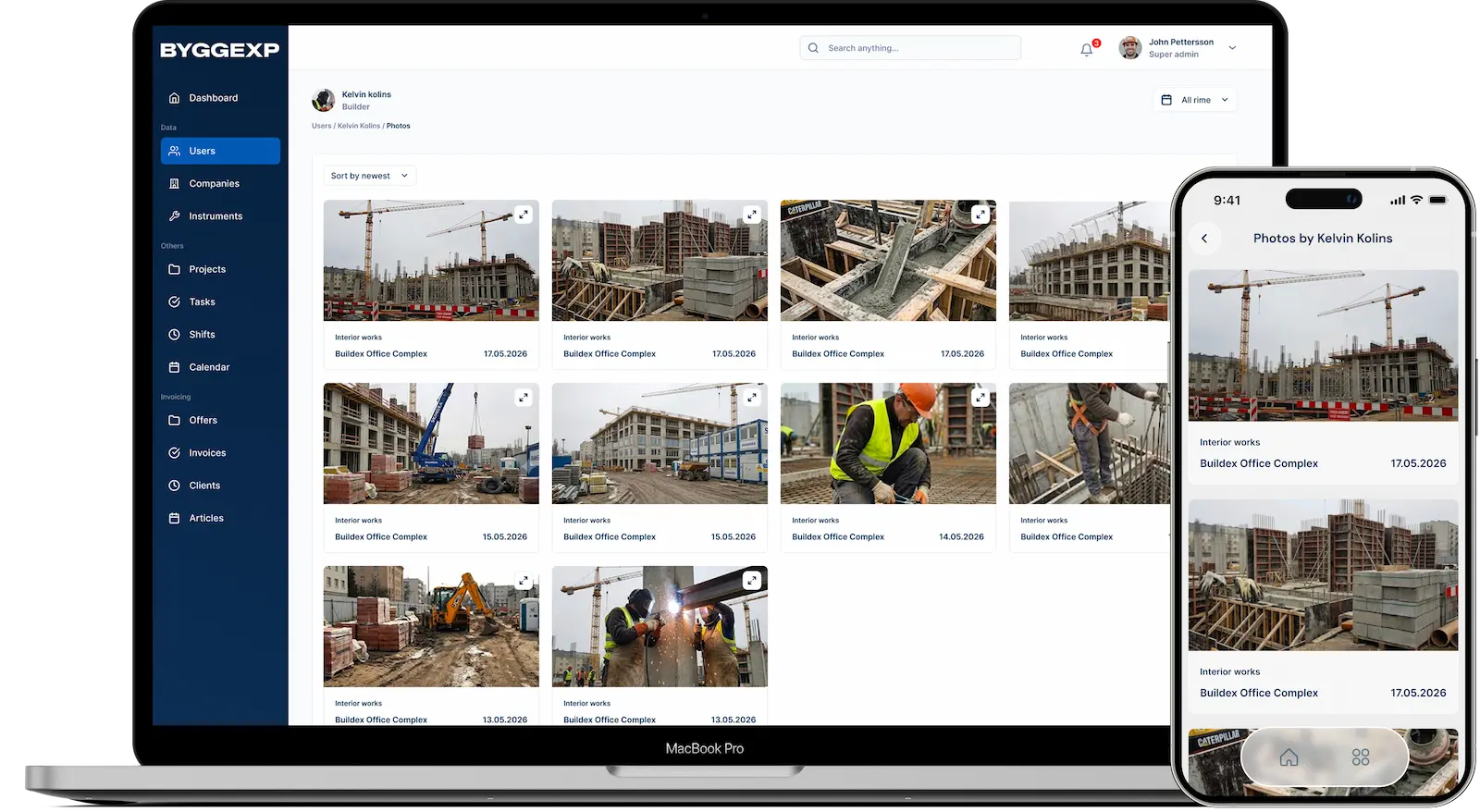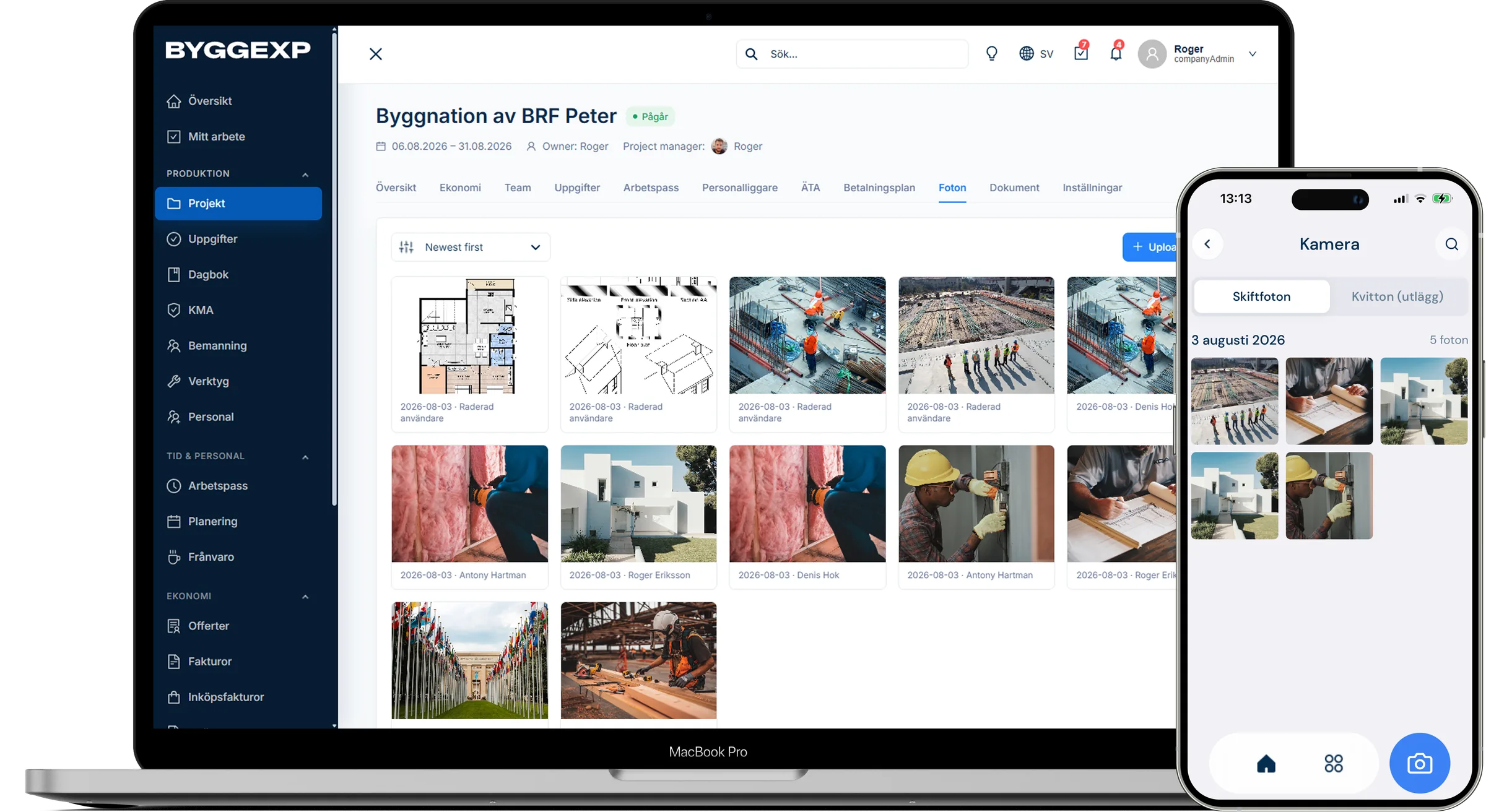
Photo documentation is a builder's cheapest insurance — and with site photos taken straight in ByggExp, you never have to dig through a thousand pictures on your phone when a client asks how it looked behind the wall. You document the job while you're standing there, and every image lands automatically on the right project.
What photo documentation is in ByggExp
Photo documentation means you photograph the work as you go — before, during and after — and gather the images linked to the project. In ByggExp every site photo is saved on the project with its date, giving you a visual log that shows how the work took shape. Perfect when something needs to be inspected, invoiced or questioned after the fact.
How to do it in the web admin
- Follow the photo feed per project.
- Download the images and send them to the client when needed.
How to do it in the app
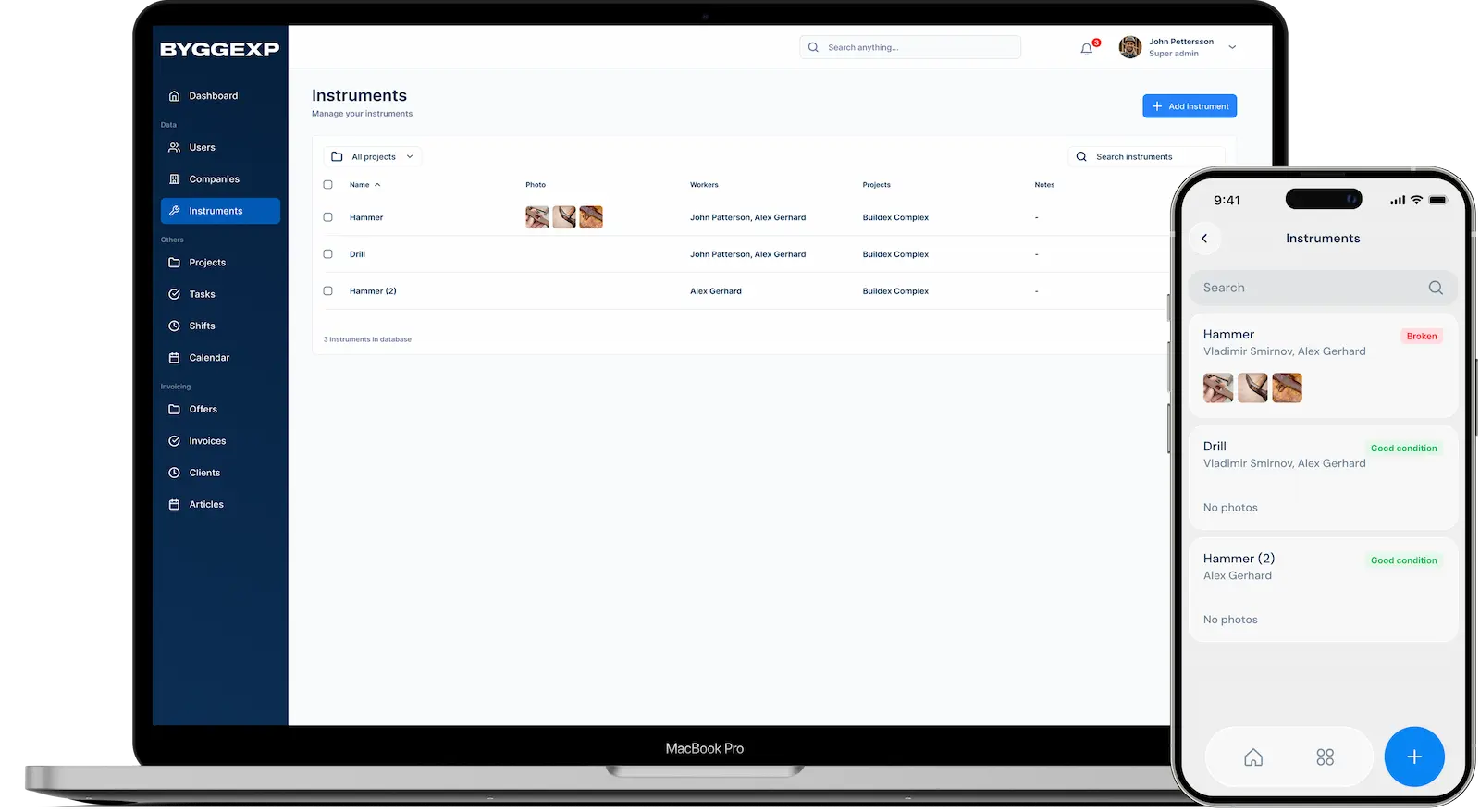
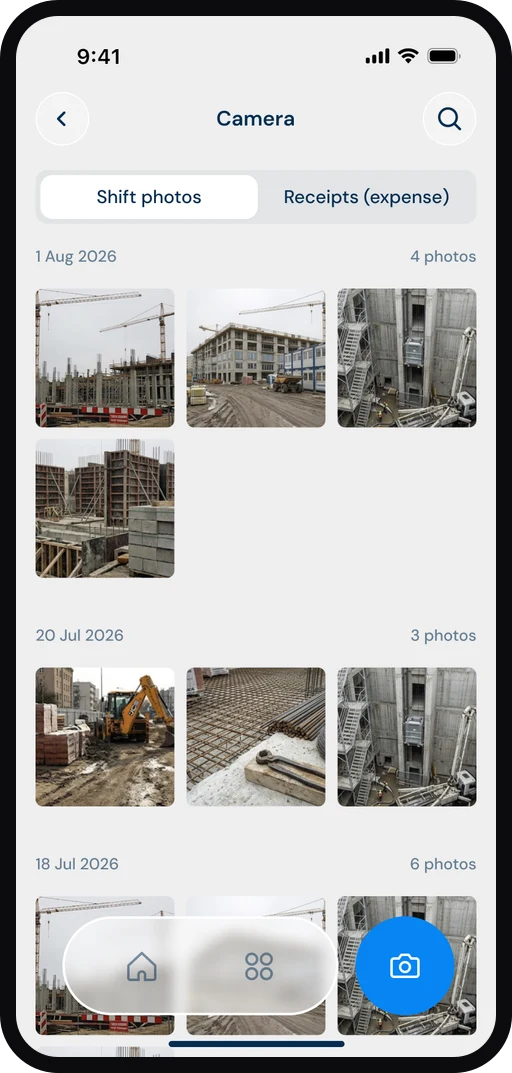
- Open the app and go into the project you're working on.
- Tap the camera button and take the photo right away, or pick an image from your camera roll.
- The image is tagged to the project automatically – feel free to add a short comment, for example "moisture barrier before pouring".
- Save – the photo uploads and becomes visible to everyone on the team with the right permissions.
Benefits
- Everything in one place: the images sit on the project, not scattered across different phones.
- Proof in a dispute: dated site photos show what was done and when.
- Easier invoicing: document extra work with a photo and you avoid the arguments.
- Better overview: the whole team sees the same photo documentation in real time.
Tips
Photograph what's about to be covered up — pipes, cables, moisture barriers and insulation. That's where the images are worth the most.
Take an overview shot plus a close-up of the same detail, so whoever reviews it later understands both where and what.
Write a short comment the moment you take the photo. A week later, no one remembers what the picture showed.
Frequently asked questions
Can several people on the team photograph the same project?
Yes. Anyone with access to the project can add site photos, and the images gather in the same feed regardless of who took them.
Where do I find the images later on?
In the web admin you see all photo documentation per project, sorted chronologically, and you can download the images.
Start documenting your next job with photos today — open the app, take the first picture and build up a visual log you can lean on.
It all connects: site photos are linked to the right project just like tasks and receipts – all your documentation gathered in one place.